1
March 3, 2011
Apteryx Imaging
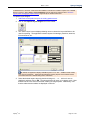
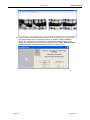
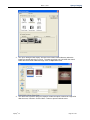
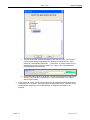
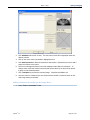
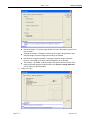
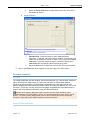
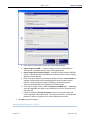
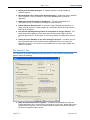
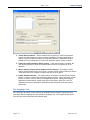
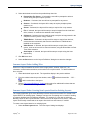
Real sized image – Prints the image so that one inch in the image is equal to one
inch on paper.
As large as possible – Enlarges or reduces (if the image is larger than the print
area) the image so that the image prints as large as possible.
Real sized or as large as possible – Attempts to print the image „real sized‟,
however, if the image is too large it will be adjusted to fit on the page.
„Print Range‟ – By default, all of the image will be printed unless a portion of the
image is selected using the Image Selection tool (Actions > Image Selection)
prior to clicking on the Print button.
c.
Apteryx®, Inc.
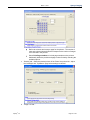
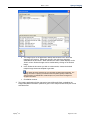
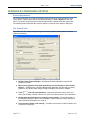
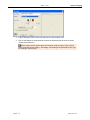
„Image Text‟ tab –
Page 94 of 147