1
March 3, 2011
Apteryx Imaging
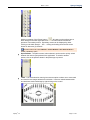
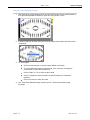
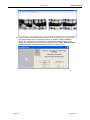
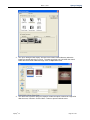
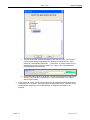
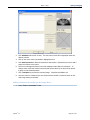
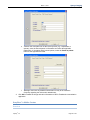
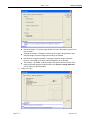
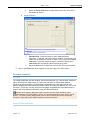
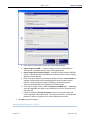
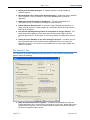
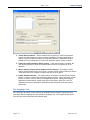
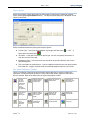
Define the columns and rows per page for the printout. The number of
rows and columns selected should correspond to the number of images
to be included in the printout.
Select Print Page numbers to include page numbers on the printout.
Additionally define the position and page number format by selecting the
available options.
c.
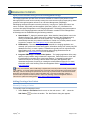
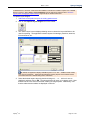
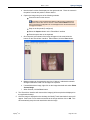
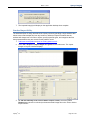
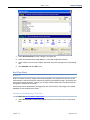
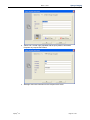
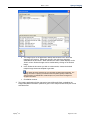
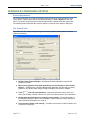
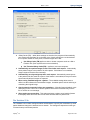
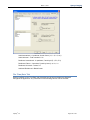
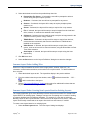
„General‟ tab – Select the desired printer off the „Printer‟ drop-down list. Adjust
the „Left/Right‟ and „Top/Bottom‟ page indent settings as desired.
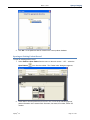
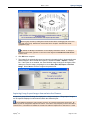
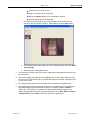
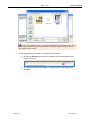
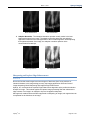
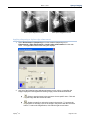
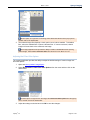
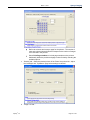
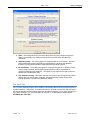
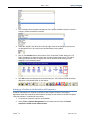
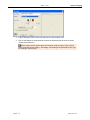
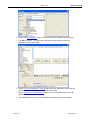
d. „Image Text‟ tab –
Apteryx®, Inc.
Page 97 of 147