1
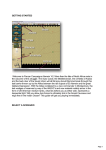
SCENARIO SELECTION
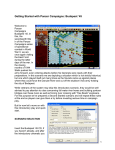
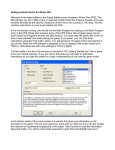
Start Moscow ‘42, if you haven’t already and you will
be taken to the File Selection Dialog.
Click the scenario #00_Getting_Started and then OK.
This takes you to the AI Selection Dialog where you choose
the side you wish to play. For the purposes of this tutorial
select Russian AI "Manual" for yourself and "Automatic with
Fog of War"(FOW) for the Axis.
Click OK to get the game underway, you are now the Russian
commander.
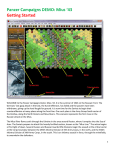
The map should now appear along with your
first Command Report will appear with
information relevant to the first turn.
Note its contents and click OK to close it.
2