1
Fortunately, there is an easy way to
ensure you have enough movement
points reserved to deploy a unit.
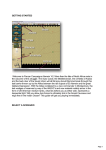
Clicking the Save Movement Cost button
on the Tool Bar will only allow a unit to
move after reserving one third of a unit’s
movement points.
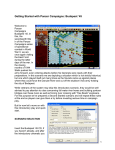
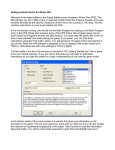
Units in travel mode with Saved Movement Points have [] bracketing the
movement allowance before the T in the Unit Box as further indicator of
their current movement state. Please see the highlighted unit to the right.
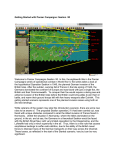
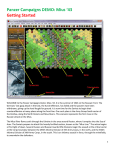
Move the stack of Ski Battalions 2 hexes south west as indicated. There is a reasonable chance that the
German unit in the victory point hex may fire at you with opportunity fire. As you are currently very vulnerable
in travel mode there is a chance a Battalion (or two) may take heavy losses and even be disrupted. This is a
risky move to make, but in this scenario we want to close with the enemy quickly.
13