1
PJ2000M-C, PJ2500M-C & PJ3000M-C
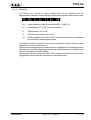
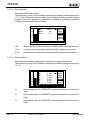
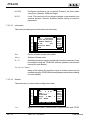
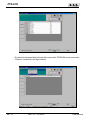
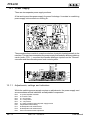
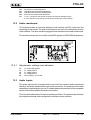
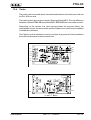
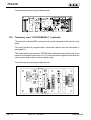
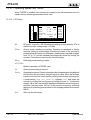
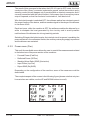
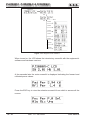
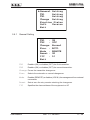
To access one of the submenus select its name (which is underlined by a blinking
cursor) using the RIGHT or LEFT keys and then press the ENTER key.
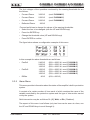
Take note that certain parameters, which are measured and shown to the user,
might not be available in a few cases. This occurs when, for physical reasons, the
measured vales are not significant for control software internal use.
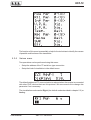
When the value of a parameter is not available for the aforesaid reason, symbol
“==” appears on the display in lieu of the value.
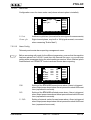
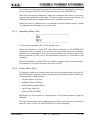
5.3.1 Operating Menu (Fnc)
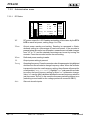
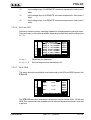
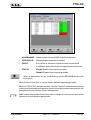
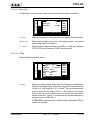
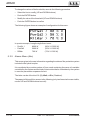
Turn the power amplifier ON or OFF via this menu.
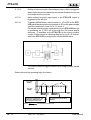
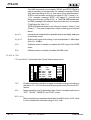
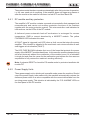
When the amplifier is turned OFF, the internal conductor of the INTERLOCK
connector is set to ground so as to force the connected exciter to a stand-by
condition (this takes place only if the exciter features the interlock option, like
those produced by RVR, and if the associated connector is connected to the
amplifier).
When the amplifier is turned OFF the software program waits a few seconds for
the machine to cool down and then the fans turn OFF.
5.3.2 Power Menu (Pwr)
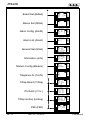
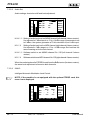
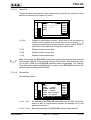
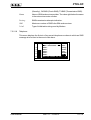
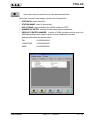
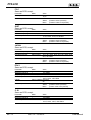
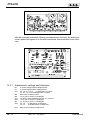
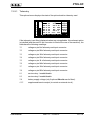
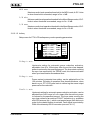
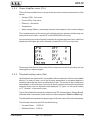
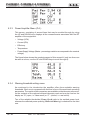
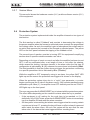
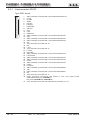
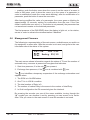
This screen, made up of several lines that may be scrolled through using the UP
and DOWN keys, displays all the measurements associated with the behaviour
of the amplifier’s power section:
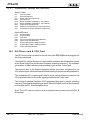
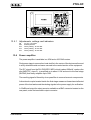
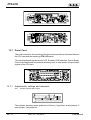
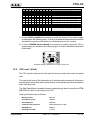
• Forward Power (Fwd Pwr)
• Reflected Power (Rfl Pwr)
• SWR (Standing Wave Ratio)
• Input Power (Inp Pwr)
• Internal SWR (Int SWR)
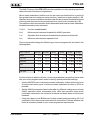
Depending on the machine’s configuration a few measurements might be
disabled.
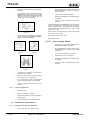
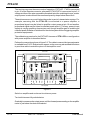
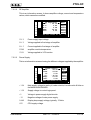
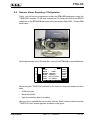
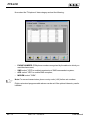
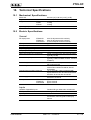
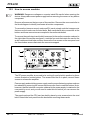
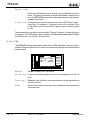
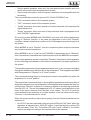
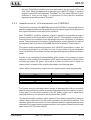
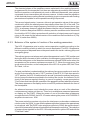
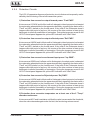
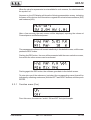
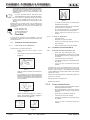
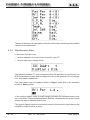
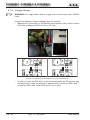
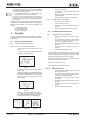
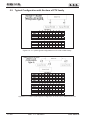
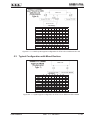
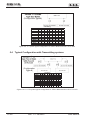
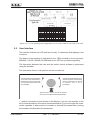
The figure below shows the complete aspect of this screen (only two lines can be
seen at a time, use the UP and DOWN keys to scroll through it):
User Manual
Rev. 1.5 - 09/01/09
11 / 40