1
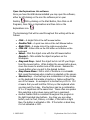
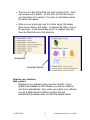
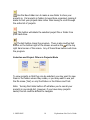
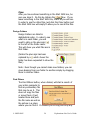
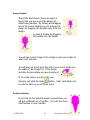
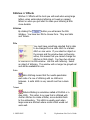
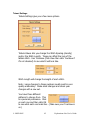
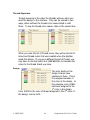
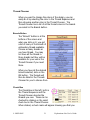
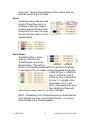
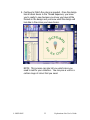
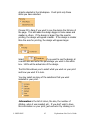
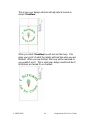
Notice in the picture below that there are small white boxes in
the Assign color boxes. This means that those colors are
selected in the workspace.
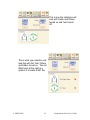
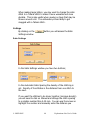
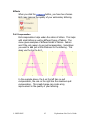
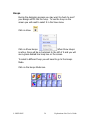
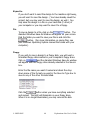
Select
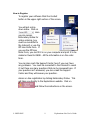
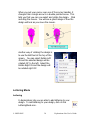
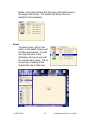
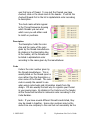
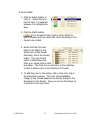
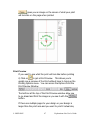
To select a color, click on the
button in the Select Column and
hold the mouse down. You will
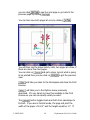
see only that color in the
Workspace as long as you hold
the mouse button down. This is
a good way of seeing all the
objects that sew in that color.
© OESD 2005
50
Explorations Lite User’s Guide