Download FLEX User`s Manual

Transcript
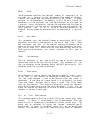
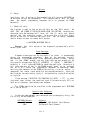
PROT
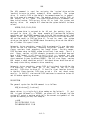
The PROT command is used to change a protection code associated with
each file. When a file is first saved, it has no protection associated
with it thereby allowing the user to write to, rename, or delete the
file.
Delete or write protection can be added to a file by using the
PROT command.
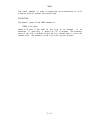
DESCRIPTION
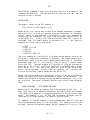
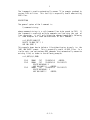
The general syntax of the PROT command is:
PROT,<file spec>[,(option list)]
where the <file spec> designates the file to be protected
list) is any combination of the following options.
and
(option
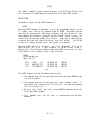
D
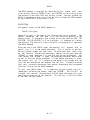
A 'D' will delete protect a file. A delete protected file cannot be
affected by using the DELETE or RENAME Commands, or by the delete
functions of SAVE, APPEND, etc.
W
A 'W' will write protect a file. A write protected file cannot be
deleted, renamed or have any additional information written to it.
Therefore a write protected file is automatically delete protected
as well.
C
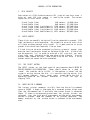
A 'C' will Catalog protect a file. Any files with a C protection
code will function as before but will not be displayed when a
CAT command is issued.
X
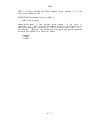
An 'X' will remove all protection options on a specific file.
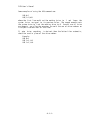
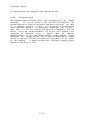
Examples:
+++PROT CAT.CMD,XW
+++PROT CAT.CMD,X
+++PROT INFO.SYS,C
Remove any previous protection on the CAT.CMD
Utility and write protect it.
Remove all protection from the CAT.CMD utility.
Prohibit INFO.SYS from being displayed in a
catalog listing.
-P.5.1-