1
Optimizing Simulation Runs
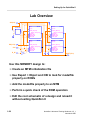
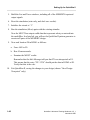
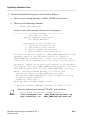
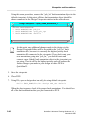
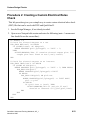
8. Create an AMPLE script that does the following:
• Starts a local runtime timer
• Runs for 65000 nanoseconds
• Saves the elapsed time in a variable named “finish”
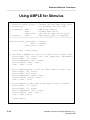
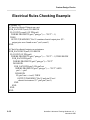
When you have completed your function, it should look like the following:
{
local start = $real_time(); //start timer
run 65000;
local finish = $real_time(); //stop timer
$writeln("Time Elapsed: ",finish, " seconds"); //transcript
}
Be sure to save your script: ______________________________________
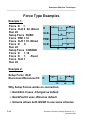
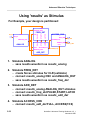
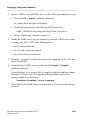
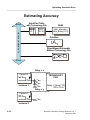
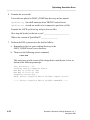
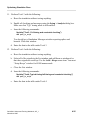
9. Perform Test# 1 as described in the following list:
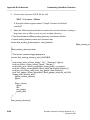
a. Issue the following commands to perform the first simulation run.
$writeln("Test1: Default invocation with keep List window")
dof path_to_script
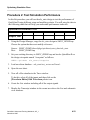
b. Now enter the runtime data in the table under Test# 1 (from your Transcript
window) next to “Elapsed Time”.
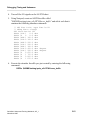
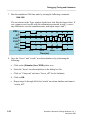
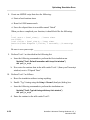
10. Perform Test# 2 as follows:
a. Reset the simulation without saving anything.
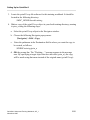
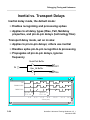
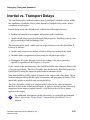
b. Enable “Typ” timing using the Setup > Kernel (Analysis) dialog box.
c. Issue the following commands to perform the simulation run.
$writeln("Test2: Typical timing with keep List window")
dof path_to_script
d. Enter the runtime in the table under Test# 2.
4-34
QuickSim II Advanced Training Workbook, 8.5_1
November 1995