1
Custom Design Checks
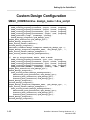
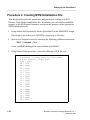
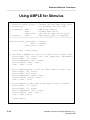
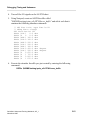
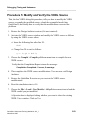
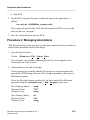
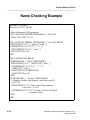
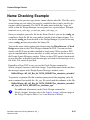
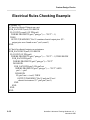
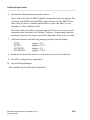
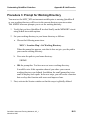
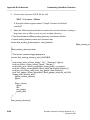
3. Save the file to the following path:
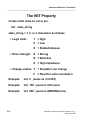
$HOME/training/qsim_a/MEMORY/name_rules.mgc_nc
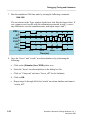
4. Compile this file as follows:
a. Navigate beneath the MEMORY object, and select the name_rules object.
b. Choose: Open > config_nc from the popup menu.
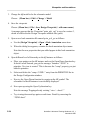
c. When the dialog box appears, enter the path to the source file you just
created (path shown in step 3).
d. In the second entry field, enter the path to the new binary file as:
$HOME/training/qsim_a/MEMORY/name_rules.bin
e. OK the dialog box.
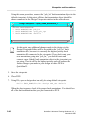
The config_nc tool compiles the source file and saves the binary file. A
window appears informing you if any errors occurred during the compile.
f. Close the config_nc window.
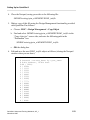
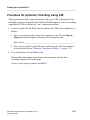
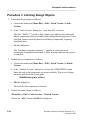
5. Check your design using this new file, as follows:
a. Invoke DVE on the MEMORY design using any method.
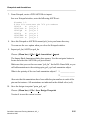
b. In DVE, choose: Miscellaneous > Check Design > Check Options
c. Enable “Simulation Checks?” (YES)
d. Enable the “Name Checks?” option.
e. Fill in the path to your compiled name_rules file, but leave the “NC
Synonym File” entry blank.
f. OK the dialog box.
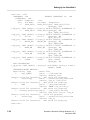
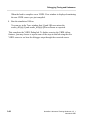
The check algorithm checks the MEMORY design using the default rules, and
then runs your custom compiled name_rules file.
QuickSim II Advanced Training Workbook, 8.5_1
November 1995
6-31