1
55
Automation
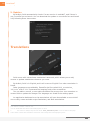
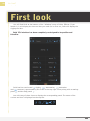
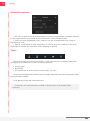
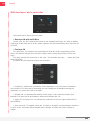
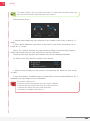
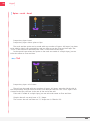
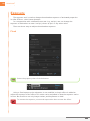
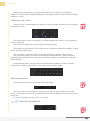
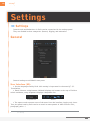
The first checkboxes are used to choose what has to be randomized:
Selected properties
Selected properties will be randomized at the current time. If they are animated, a
new keyframe will be created.
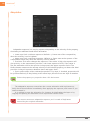
Layers
• Start times: randomizes the times where layers start in the composition. The layers
are moved in time, not cut.
• In points: randomizes the times where the layers are showed in the composition.
The layers are cut and not moved in time.
• Out points: randomizes the times where the layers are hidden in the composition.
The layers are cut and not moved in time.
Selected keyframes
• Times: moves the keyframes in time.
• Values: randomizes the values of the keyframes.
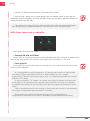
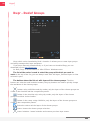
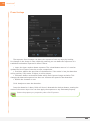
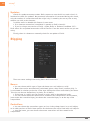
The six values define the boundaries of the randomization, for each dimension.
Simple values (one dimension) only use the X axis.
If randomization is done on times (keyframes or layers), the boundaries used are
those of the X axis, the unit is in frames (not seconds).
From current value makes the randomization to be computed relatively to current
values. If it is unchecked, the randomization will be absolute (the current values will be
discarded).
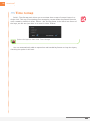
Select the properties or the layers, then click on Randomize.
Duik | User Guide