1
39
Rigging
Dugr - Duduf Groups

Dugr which can be installed by Duik’s installer. It allows you to create layer groups
and easily manage their layer attributes.
If you have manually installed Duik, or if you have not installed Dugr, you can
download it from http://duduf.net.
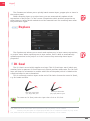
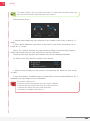
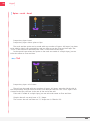
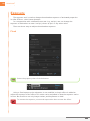
As Duik, Dugr is at the bottom of After Effects’ Windows menu.
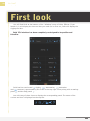
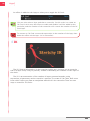
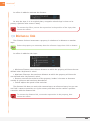
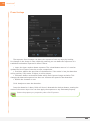
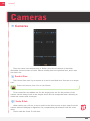
The list at the center is used to select the group with which you want to
work. At the top of the list, you can always work with All layers, Selected layers or Not
selected Layers.
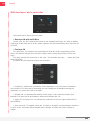
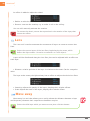
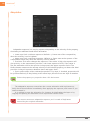
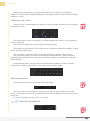
The buttons above the list act with layers of the chosen groups. The blue
buttons are selection and isolation buttons, the grey buttons are used to quickly change
the attributes of the chosen groups.
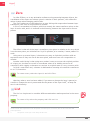
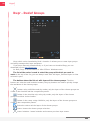
Isolate: using visibilities and shy modes, only the layers of the chosen groups are
visible in the timeline and the composition pannel.
Isolate in the timeline only: using shy modes, only the layers of the chosen
groups are visible in the timeline.
Isolate in the comp: using visibilities, only the layers of the chosen groups are
visible in the composition pannel.
Selection: selects all the layers of the chosen groups.
Invert: inverts the chosen groups selection.
Leave isolation : leaves isolation and restores previous layer states.
Duik | User Guide