1
11
Installation
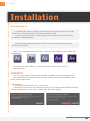
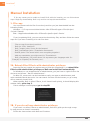
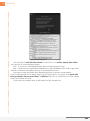
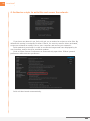
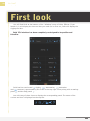
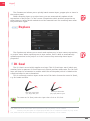
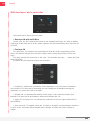
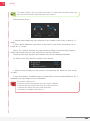
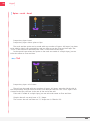
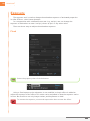
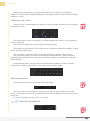
• The installer automatically detects any versions of After Effects you have installed.
Select where you want to install Duik, and click Install.
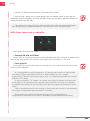
Et voilà !
All you have to do now is reboot After Effects and everything should work comme sur
des roulettes !
> Mac OSX
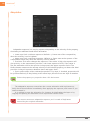
• Open the downloaded file, Duik_installer.dmg
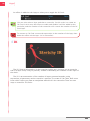
• In the dmg, double click the file install_duik.command
• Mac OSX may prevent you to run the installer - it doesn’t know Duduf... - In this
case, right click the file and choose open to force it to run.
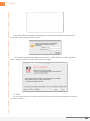
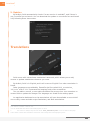
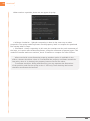
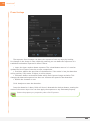
• A blank window will appear, you can ignore it, don’t worry, it’ll close automatically
after the installation - please do not close it yourself!
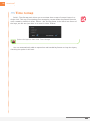
It runs what is called an “Apple Script” (Osascript) needed by the installer. It is running
what is called an “Apple Script” (Osascript) needed by the installer.
Duik | User Guide