1
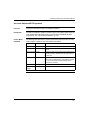
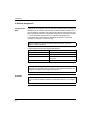
Embedded Web Pages
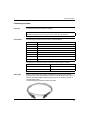
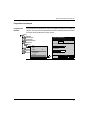
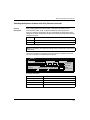
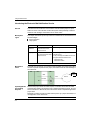
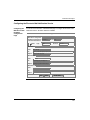
Mail Service
Command
Buttons
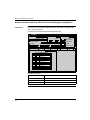
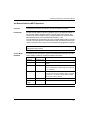
Configurable
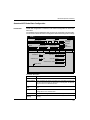
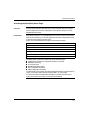
Mail Service
Parameters
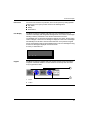
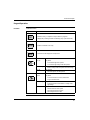
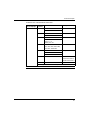
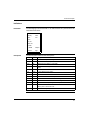
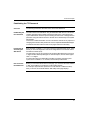
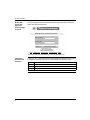
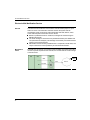
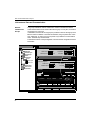
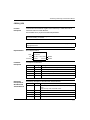
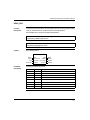
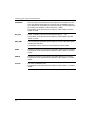
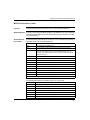
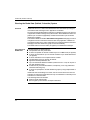
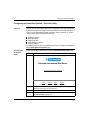
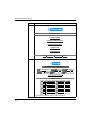
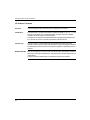
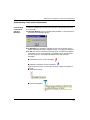
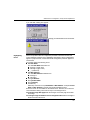
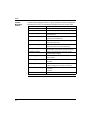
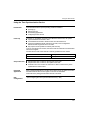
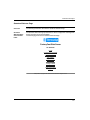
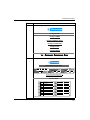
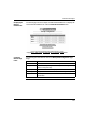
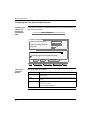
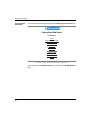
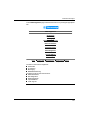
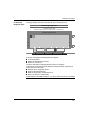
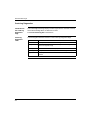
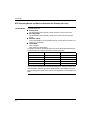
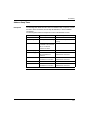
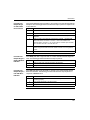
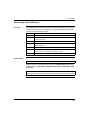
Mail service configuration buttons
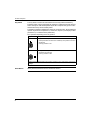
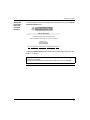
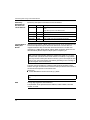
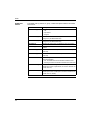
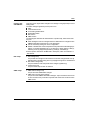
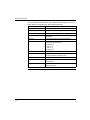
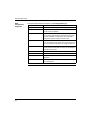
Command Button Description
Save
Saves the new Email configuration.
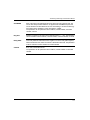
Note: Previous configuration is not valid. Previous configuration is not
stored.
Cancel
Cancels the entries in the fields.
Previous configuration is valid.
Disable Email
Clears the stored configuration, and disables the email service.
Note: Next time the service is enabled, a new configuration is required.
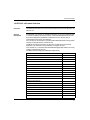
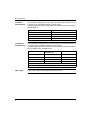
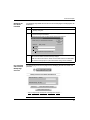
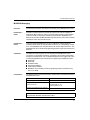
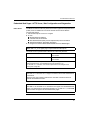
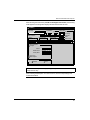
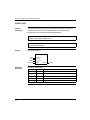
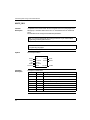
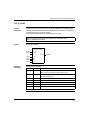
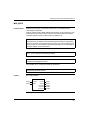
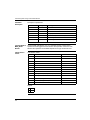
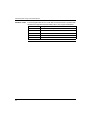
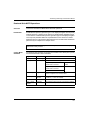
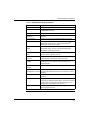
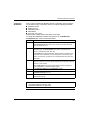
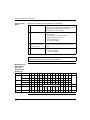
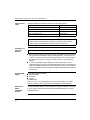
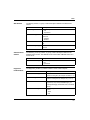
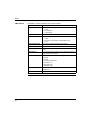
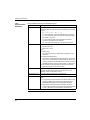
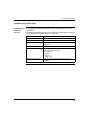
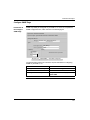
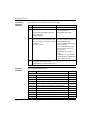
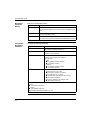
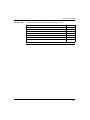
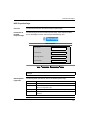
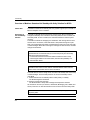
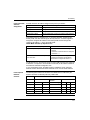
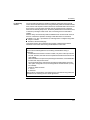
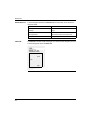
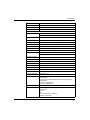
Configure the following parameters.
Parameter
Description
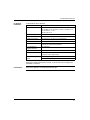
IP address of Email
Enter a valid IP address
This parameter identifies SMTP server.
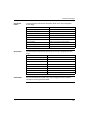
Port
Default = 25
If needed, enter a new value.
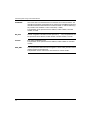
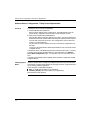
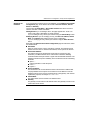
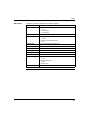
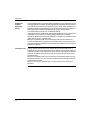
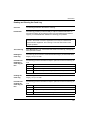
Password Authentication
If security is needed, enable Password Authentication.
To enable, enter a check mark in the box.
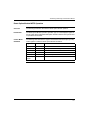
Enter values for
z Login
z Any printable character allowed
z 12 character maximum
z Password
z Any printable character allowed
z 12 character maximum
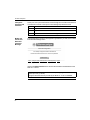
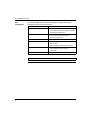
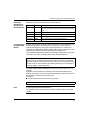
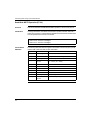
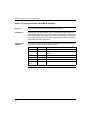
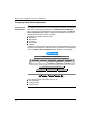
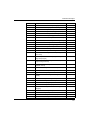
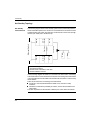
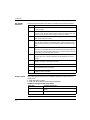
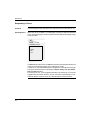
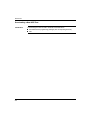
3 mail headers
Each header must contain
1. sender’s ID in the "From:" field
z 32 character maximum; no spaces
2. list of recipients in the "To:" field
z Separate each email address with a comma.
z 128 character maximum
3. fixed part of message in the "Subject:" field1.
z (32 character maximum)
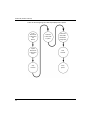
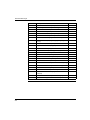
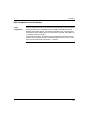
1. Subject field consists of two parts:
1. Fixed
z 32 character maximum
2. Dynamic
z 206 character maximum
(See DATABUF Parameter Description, p. 214)
250