1
IBM System p HPC Clusters Fabric Guide using InfiniBand Hardware
1.
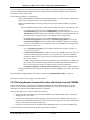
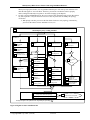
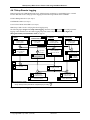
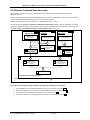
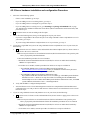
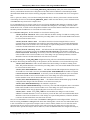
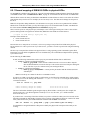
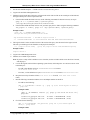
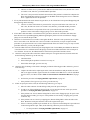
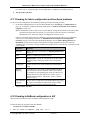
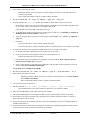
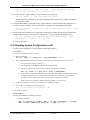
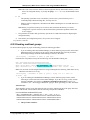
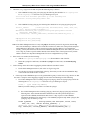
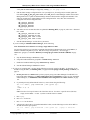
Get the switch GUID and port. -> GUID=0x00066a00d90003d3; port 11.
2.
Logon to the On Fabric Management Server.
3.
Find the Logical switch name. This query will return the switch side of a link as the second port of the link and
the logical switch port as the first port in the link.
a.
If the baseline health check has been run, use the following command. If it has not been run, use step b.
grep –A 1 “> *[switch GUID] *[switch port]”
/var/opt/iba/analysis/baseline/fabric*links
b.
If the baseline health check has not been run, you must query the live fabric using the following command.
iba_report –o links | grep –A 1 “0g *[switch GUID] *[switch port]”
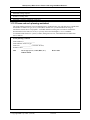
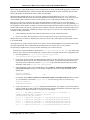
Example results:
> grep –A 1 “> *0x00066a00d90003d3 *11”
/var/opt/iba/analysis/baseline/fabric*links
20g 0x00025500103a6602
<-> 0x00066a00d90003d3
4.
1 SW IBM G2 Logical Switch 1
11 SW SilverStorm 9024 DDR GUID=0x00066a00d90003d3
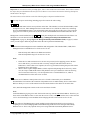
The logical switch is in the second to last line of the results of the query. Get the name for the logical switch.
This tells you which logical switch attaches to the physical switch port.
<->
[logical switch GUID]
[port] SW [logical switch name/IBnodeDescription]
Example results:
Logical Switch 1
5.
Logon to the CSM Management Server.
6.
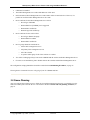
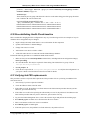
Find the server and HCA port location
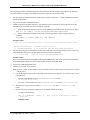
Note: If you have a map of HCA GUIDs to server locations, use that to find in which server the HCA is located,
and skip step a.
a.
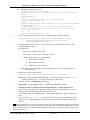
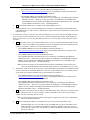
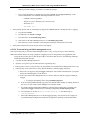
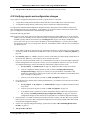
Convert the logical switch GUID to Operating system format, which drops the “0x” and uses a dot or colon
to delimit bytes:
-
For AIX, a dot delimits each byte: 0x00025500103a7202 becomes
00.02.55.00.10.3a.72.02
-
For Linux, a colon delimits two bytes: 0x00025500103a7202 becomes 0002:5500:103a:7202
b.
Drop the last two byte from the GUID (00.02.55.00.10.3a for AIX; 0002.5500.103a.72 for
Linux)
c.
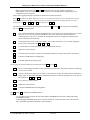
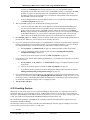
Run the following command to find the server and adapter number for the HCA.
-
For AIX use the following:
dsh -v -N AIXNodes 'ibstat -p | grep -p "[1st seven bytes of GUID]"
| grep iba'
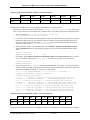
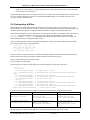
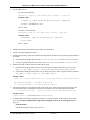
Example results:
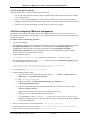
>dsh -v -N AIXNodes 'ibstat -p | grep -p "00.02.55.00.10.3a.72" |
grep iba'
c924f1ec10.ppd.pok.ibm.com:
c924f1ec10.ppd.pok.ibm.com:
d.
IB PORT 1 INFORMATION (iba0)
IB PORT 2 INFORMATION (iba0)
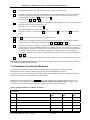
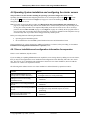
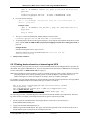
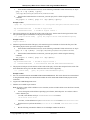
For Linux use the following:
dsh -v -N LinuxNodes 'ibv_devinfo| grep –B1 "[1st seven bytes of
GUID]" | grep ehca'
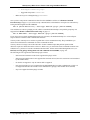
Example results:
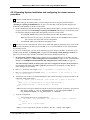
© Copyright IBM Corp. 2008 (7/22/08)
184 of 238