1
Menu Items
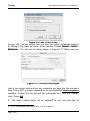
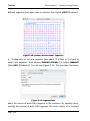
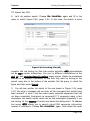
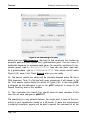
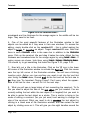
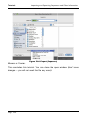
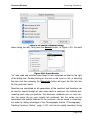
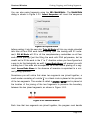
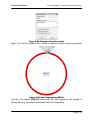
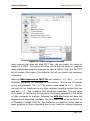
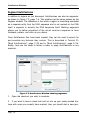
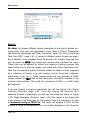
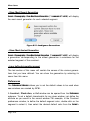
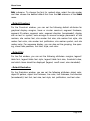
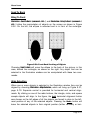
Figure 8.5: Save As…
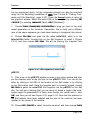
Export…
will present different options depending on the type of window currently active. This topic was discussed in some detail in Tutorial 12:Importing
and Exporting Sequences and Other Information, page 2-61 and in “Exporting
Data From GCK”, page 3-42. A number of different output formats are possible in addition to the standard Gene Construction Kit formats. Exported files
can be saved as JPEG files, along with several other standard file types.
These files can be opened by almost any graphics drawing program and
should allow you to edit the images you create with Gene Construction Kit.
Note that the exported graphics formats cannot be edited in other programs
as a collection of objects (e.g. site markers cannot be moved, sequence
information is lost, etc.). These manipulations are only possible in GCK.
Copies created as TEXT files contain the textual information available in the
currently active window. This could be a sequence of DNA or a table listing
gel fragments.
File > Export…
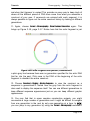
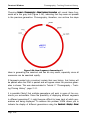
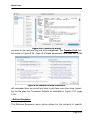
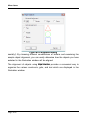
If you are viewing a construct graphically you will see Figure 3.41: Export
Graphics Construct, page 3-43. If you are viewing the construct as a
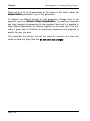
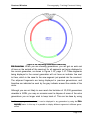
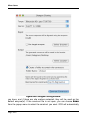
sequence instead of graphically, you will see the dialog box shown in Figure
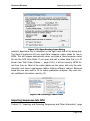
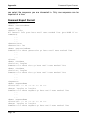
3.42: Export Sequence Construct, page 3-44. One option in this dialog that
is not present in the dialog box for the graphics view of a construct is to save
a Formatted Listing as TEXT File. This option will produce a TEXT file that
contains a listing of the sequence as it is currently displayed in the Construct
Page 8-6