1
qooxdoo Documentation, Release 1.6.1
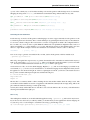
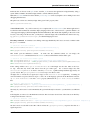
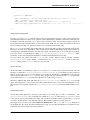
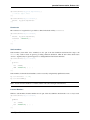
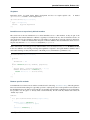
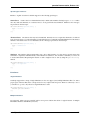
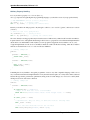
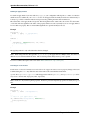
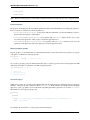
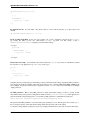
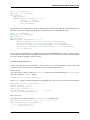
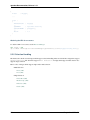
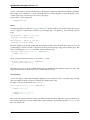
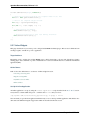
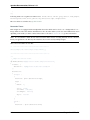
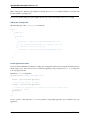
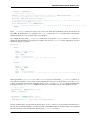
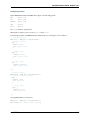
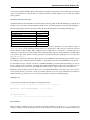
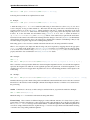
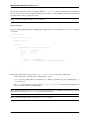
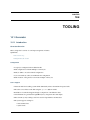
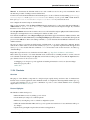
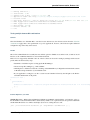
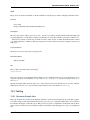
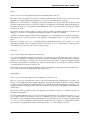
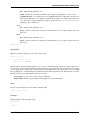
function foo(a, b) {
return 3;
}
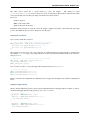
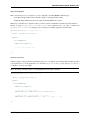
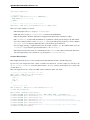
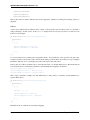
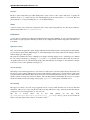
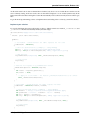
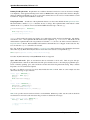
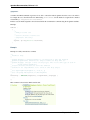
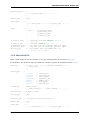
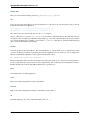
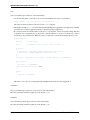
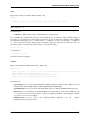
In the case of a select call,
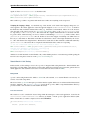
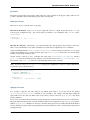
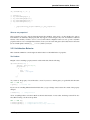
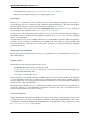
qx.core.Environment.select("myapp.key", {
"value1" : resvalue1,
"value2" : resvalue2
}
will reduce if myapp.key has the value value2 to just
resvalue2
The generator documentation has more details on optimization of qx.core.Environment calls.
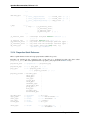
Pre-defined Environment Keys
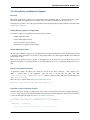
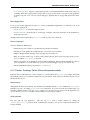
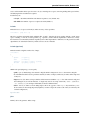
qooxdoo comes with a set of pre-defined environment settings. You can divide those into two big groups. One is a set
of feature tests which cover browser features like support for certain CSS or HTML features. The second group are
simple settings for the qooxdoo framework which drive the inner workings of the framework.
For a complete list of predefined environment keys, take a look at the API documentation of the qx.core.Environment
class.
Defining New Environment Settings
Now to actually setting new or overriding existing environment settings. The value of an environment key can take one
of two forms, as a concrete literal value, or as a function that returns a value at run time. The former can be achieve in
various ways (see further), the latter only through application code. (An environment key with its current value is also
referred to as an environment setting). We go through both ways now.
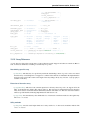
As Literal Values
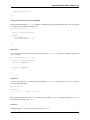
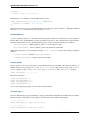
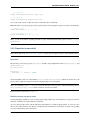
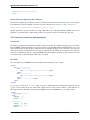
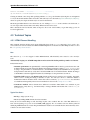
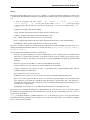
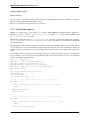
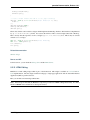
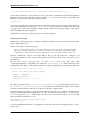
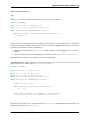
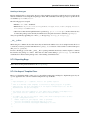
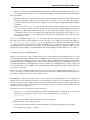
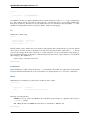
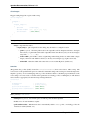
As already mentioned, there are various possibilities to assign a literal value, like "foo", 3 or true, to an environment key. You can define the setting
• in the class map
• in method code
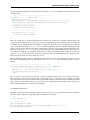
• through inline <script> code in the index.html
• in the generator configuration
• via URL parameter
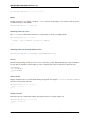
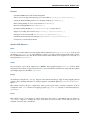
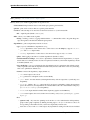
The list is sorted in ascending precedence, i.e. if a key is defined multiple times, mechanisms further down the list
take higher precedence. Those possibilities are explained in the following sections.
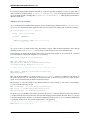
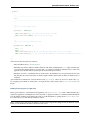
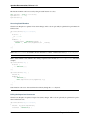
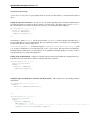
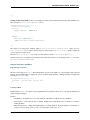
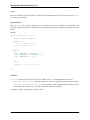
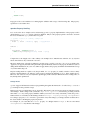
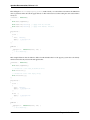
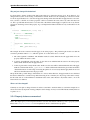
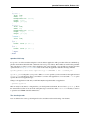
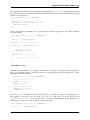
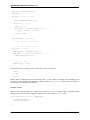
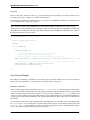
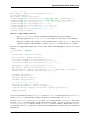
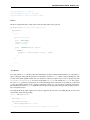
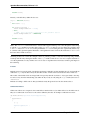
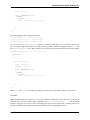
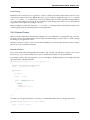
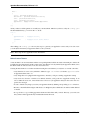
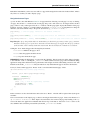
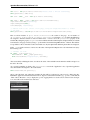
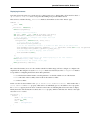
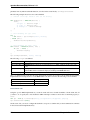
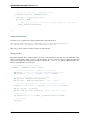
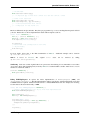
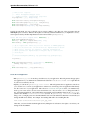
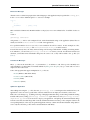
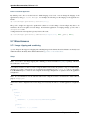
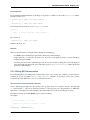
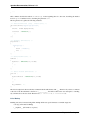
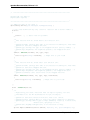
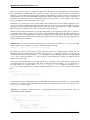
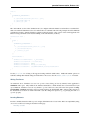
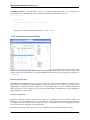
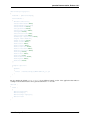
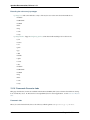
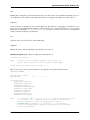
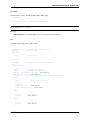
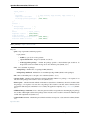
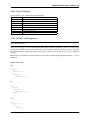
In the Class Map You can define a key and its value through the environment key of the map defining a qooxdoo
class:
3.3. Environment
101














![Tester Bench [BETA] User Manual](http://vs1.manualzilla.com/store/data/005798606_1-651c3b6b51a13c0d6f27995a84bd9cc4-150x150.png)