1
qooxdoo Documentation, Release 1.6.1
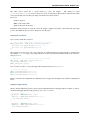
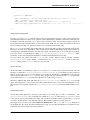
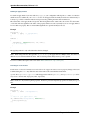
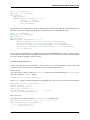
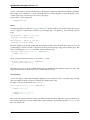
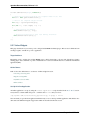
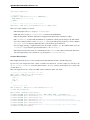
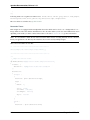
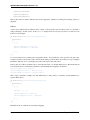
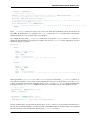
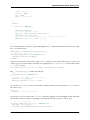
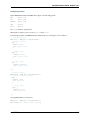
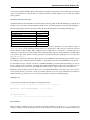
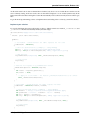
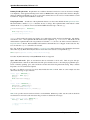
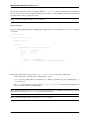
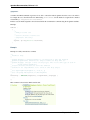
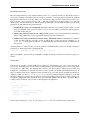
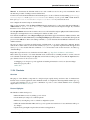
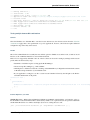
settingsButton.setToolTipText(this.tr("Change the applications settings."));
settingsButton.addListener("execute", function() {
if (!settingsWindow) {
settingsWindow = new twitter.SettingsWindow();
settingsWindow.moveTo(320,30);
}
settingsWindow.open();
}, this);
The first thing we do is to add a spacer to attach the preferences button to the right side of the toolbar. This should be
the only new thing you haven’t seen before, so we won’t go into details here.
Final steps
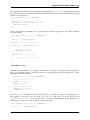
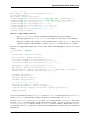
Now we have created some new code containing new strings to translate. Obviously, we need to add translations for
these as well. Just run the generator again and let it add the new strings to your po files.
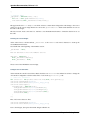
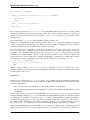
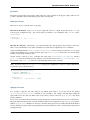
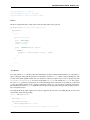
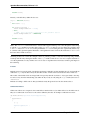
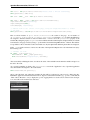
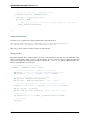
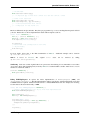
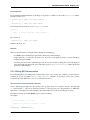
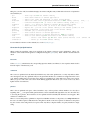
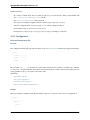
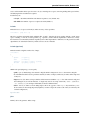
./generate.py translation
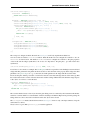
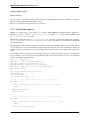
Now you can edit the po files again and add the new translations. Don’t forget to add the translation for the special
$$languagename key in the english po file as well.
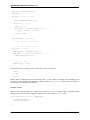
After generating the source version of the application again you should be set up for testing and all should run as
expected.
I hope you enjoyed this little exercise and gained an idea how easy it is to internationalize an application using
qooxdoo’s help. As always, you can find the entire code on GitHub. With that said, I want to encourage you to send
me pull requests containing alternative translations we could add. It would be interesting to have the twitter app in
many different languages. Really looking forward to your feedback and pull requests!
Tutorial Part 4.3: Automated UI Testing
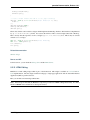
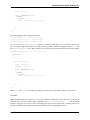
Having previously covered unit testing, it’s time to take a look at qooxdoo’s built-in facilities for automated UI testing.
Over the course of this tutorial, we’ll set up the required infrastructure and develop a test case that interacts with the
Twitter application from the previous tutorials.
42
Chapter 2. Getting Started













![Tester Bench [BETA] User Manual](http://vs1.manualzilla.com/store/data/005798606_1-651c3b6b51a13c0d6f27995a84bd9cc4-150x150.png)