1
qooxdoo Documentation, Release 1.6.1
• Quick selection.
• Items with plain text and/or icon.
• Context menu support.
Description A List widget can be used to show a list of items. These items could selected in different modes:
• single: Only one or none could be selected.
• multi: One, more or none could be selected.
• additive: The same selection like multi, but each item, which the user clicked on it is added or removed
to the selection.
• one: The same selection like single, but one must selected.
The item which are added to the list are ListItem. For more details see: ListItem.
Demos Here are some links that demonstrate the usage of the widget:
• List Demo
• Lists with Drag and Drop
• List with re-size support
API
Here is a link to the API of the Widget:
qx.ui.form.List
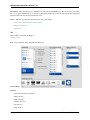
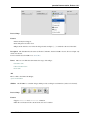
Menu The Menu is a widget that contains different widgets to create a classic menu structure. The menu is used
from different widget, that needs a menu structure e.q. MenuBar.
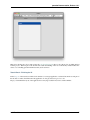
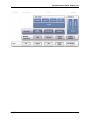
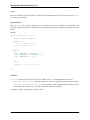
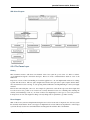
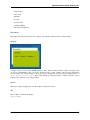
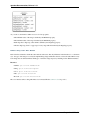
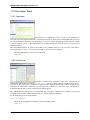
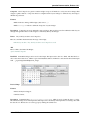
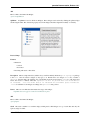
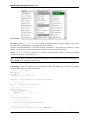
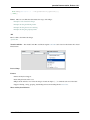
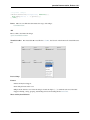
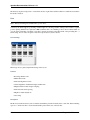
Preview Image
Features
• On demand scrolling if the menu doesn’t fit on the screen
• Menu items with text and/or icon.
• Each menu item can have a command for keyboard support.
• Menu items can have submenus.
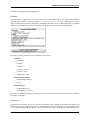
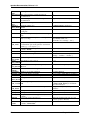
The menu can contain different item types:
13.2. GUI Toolkit
409
















![Tester Bench [BETA] User Manual](http://vs1.manualzilla.com/store/data/005798606_1-651c3b6b51a13c0d6f27995a84bd9cc4-150x150.png)