1
Contents
Tuning
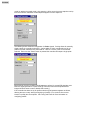
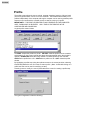
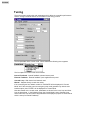
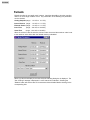
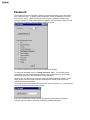
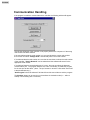
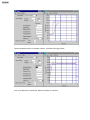
The tuning screen contains the main parameters which affect the controller's performance.
See the Tuning Procedure section for more detail on the tuning process.
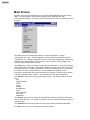
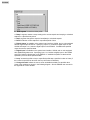
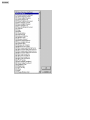
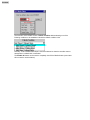
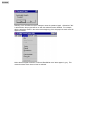
The first parameter is the control mode. When selected the following menu appears.
The four options for control mode are as follows:
Internal Feedback - Internal feedback (onboard sensor) used.
External Feedback - External feedback (user supplied sensor) used.
Cascade Loop - Both internal and external used.
Manual - Setpoint directly controls the valves.
If the controller goes into failsafe mode then "FAILSAFE" will be displayed for "Control
Mode" and if the controller goes into emergency stop mode (possible only with the user
interface option) then "ESTOP" will be displayed for Control Mode.
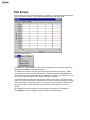
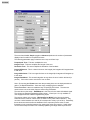
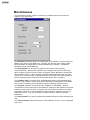
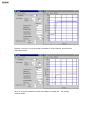
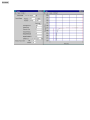
Note that, based on the control mode, parameters are shown for the Inner Loop and Outer
Loop as appropriate. In the following screen the Control Mode is set to Cascade Loop,
hence both Inner Loop and Outer Loop parameters are displayed (compare to screen above
which is set up for Internal Feedback).