1
Contents
Password
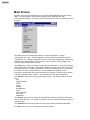
The windows tune program provides a means for password protecting each of the screens
from unauthorized use. To enable password protection choose the password menu item
from the main screen. (Note- this menu item only appears if password protection was
previously disabled or if the user has previously logged in with a password.) After choosing
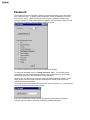
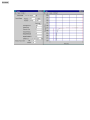
the main menu password item the following screen will appear.
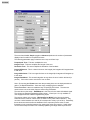
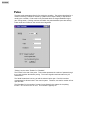
To enable the password the first item must be selected to "Enable".
To change the password press the "Change Password" button. The user will then be
prompted to enter the old password (the software uses the word "tescom" as the initial
password) and then enter the new password (with verification).
Next the user can select any of the screens which should be password protected. In the
screen shown above the Signal Generator, Read/Write and Profile screens have been
selected for password protection.
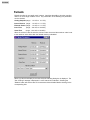
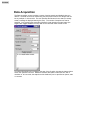
The password will not take effect until the next time that the program is run. At that point the
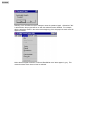
user will be presented with the following screen:
If the correct password is entered then the program will run the same as if password
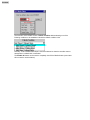
protection was not enabled. Otherwise the following message will appear.