1
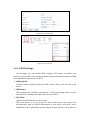
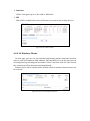
4.4.2 Advanced Settings
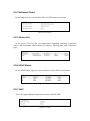
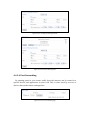
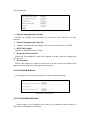
Figure 4-4-2-1Advanced Settings
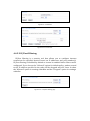
4.4.2.1 MAC Filtering
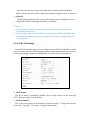
MAC filtering is a security tool that allows you to configure internet
restrictions for specified devices based on MAC address. MAC filtering is disabled
by default so it must be enabled before filters can be configured. If you choose
the “Allowed” option for default policy, packets routed to the MAC address
specified in the rules will be dropped and vice versa. In short the “Allowed”
option is creating a blacklist and the “Dropped” option is creating a whitelist.
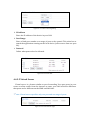
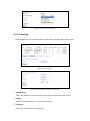
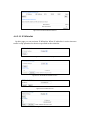
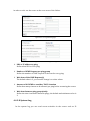
Figure 4-4-2-1-1 MAC Filtering page
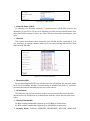
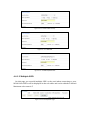
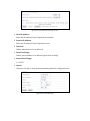
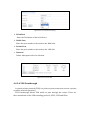
Figure4-4-2-1-2 Enable MAC Filtering function