1
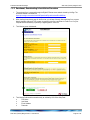
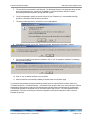
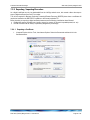
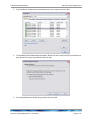
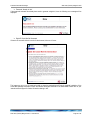
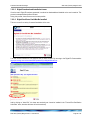
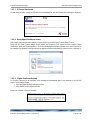
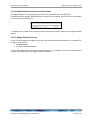
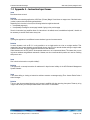
Australian Securities Exchange ASX Clear (Futures) Margin Control 7.2 Appendix 2 – Digital Certificate Procedure To obtain a digital certificate, your ASX Clear (Futures) Margin Control Participant Administrator must first create the user in Margin Control as outlined above. After the ASX Online Help Desk has pre-registered the certificate, you will receive an email with details on how to enrol. The email will be sent to the email address that has been registered in ASX Online. Before enrolling and downloading a digital certificate please ensure the following checklist has been followed: 7.2.1 Enrolment for a Digital Certificate ActiveX Controls set to “Enabled” Onsite MSI package installed for Windows XP Operating System 7.2.2 Download and Installation of a Digital Certificate Ensure user clicks “Install CA” from the Digital Id Centre site to install the CA. Ensure above-mentioned CA has been installed to “Trusted Root Certification Authorities”. During installation, select the format ‘My ID for Microsoft Internet Explorer…’ Download can only occur once, so the user should not delete their digital certificate. ASX Clear (Futures) Margin Control – User Manual Page 21 of 37