1
DX-Plus User Manual
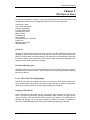
Chapter 2
Operator Features
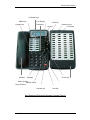
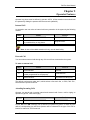
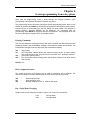
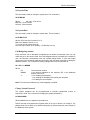
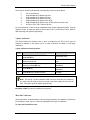
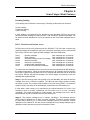
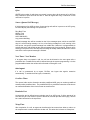
Operator key phone must be defined in operator ACD 9. All the extension users should call
the operator by dialing the operator ACD access code (default 9).
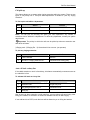
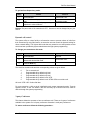
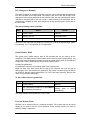
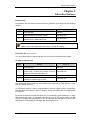
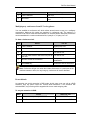
Internal Call
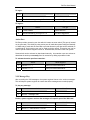
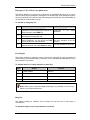
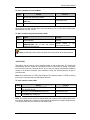
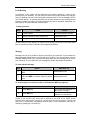
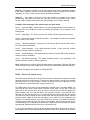
An extension user can make an internal call to any extension in the system by the following
method:
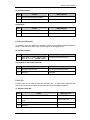
Step
Action
You Get
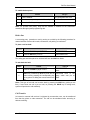
1.
Lift the handset.
Dial tone
2.
Dialed the desired extension number or press
the predefined key on key phone.
Ring back tone.
Note: In case of the called extension is busy, use call back facility.
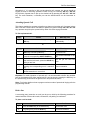
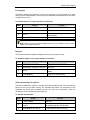
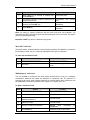
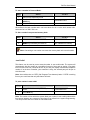
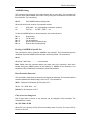
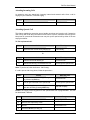
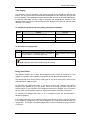
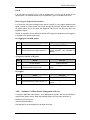
External Call
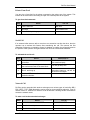
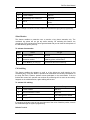
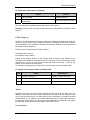
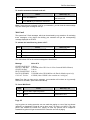
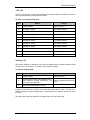
You can make an external call through any of the trunk lines connected to the system.
To make an external call:
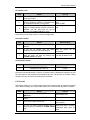
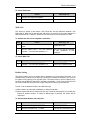
Step
Action
You Get
1.
Lift the handset.
Dial tone
2.
Dial trunk access code (0, or any other
number programmed for the purpose).
Trunk Dial tone.
3.
Dial the Number.
Ring Back tone/ Busy tone.
The default trunk access codes are 0, which selects a free trunk line, or 7000, 7001. Etc.,
which selects a specific trunk line.
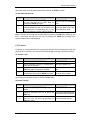
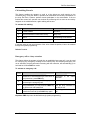
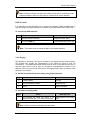
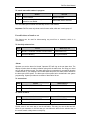
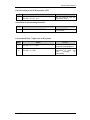
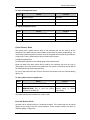
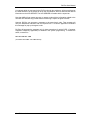
Attending Incoming Calls
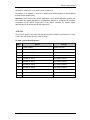
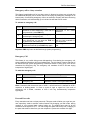
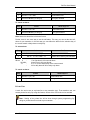
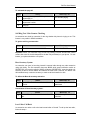
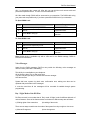
Operator can attend both incoming internal and external calls. Once a call is ringing on
operator key phone, it will start ringing.
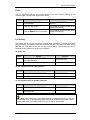
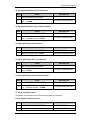
Step
1.
Action
Lift the handset.
You Get
Start Conversation.
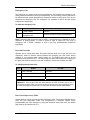
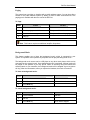
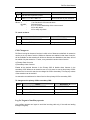
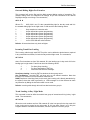
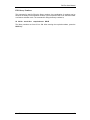
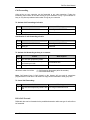
Further, AS / AT / AB / AV keys can be defined on operator key phone. If these keys are
defined, corresponding key will blink. Operator will be intimated for the type of the call for
internal or external or VIP internal call.
Coral Telecom Ltd.
21