1
SMP-WEB SERIES
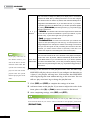
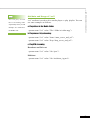
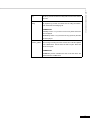
2-2-4 Check File Timestamp / RUL
SMP-WEB uses the
following ways to
determine if the file is
updated.
* For remote URL: HTTP
Last-Modified header tag
* For HTML file in Media
Folder: File time
20
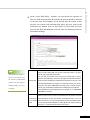
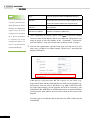
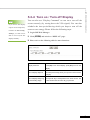
When the playlist includes HTML items either from a URL or the
Media Folder, you can choose to enable “Check file timestamp / RUL
every … seconds”. The system will check the URL or HTML file and
refresh the new web page according to your specified time. If there
is no updated file, or even the file is removed, the system will keep
playing the original one.