1
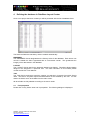
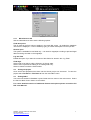
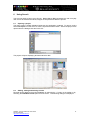
If you would like to check the data and layout before printing select the ‘Print Preview’ button
next to the drop down list. The data from the current record is displayed within the
appropriate badge layout. To view any magnetic encoding information select ‘Encode’ from
the ‘Information’ menu. To exit Print Preview mode select Information>Close from the
menu.
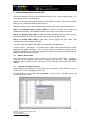
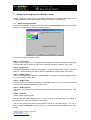
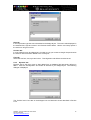
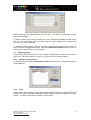
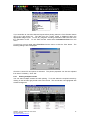
To print one or more cards select File>Print from the menu or click the ‘Print’ button. The
following dialogue box is displayed.
Check the correct ID card printer is selected. The printer properties can also be adjusted
from here if necessary. Click ‘OK’.
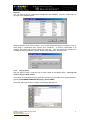
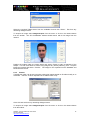
6.4.1 Printing multiple records
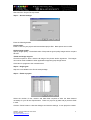
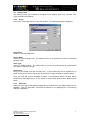
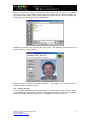
You can select multiple records for batch printing. To do this select the required records by
clicking on the left hand grey border next to the record. The records are now highlighted with
a black background.
QSG003 - Securit 4400 Quick Start Guide
Technical Support
http://www.securitworld.com/
18