1
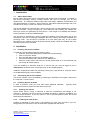
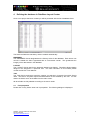
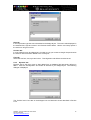
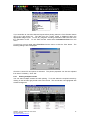
Now follow the ‘Project Set Up’ wizard.
Step 1 – General settings
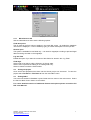
Enter the following details:
Project name
Enter a name for your project and its associated project files. Note spaces are not valid.
Default image quality
Specify image quality. The default value of 50 produces good quality images with a compact
file size.
Thumb nail image support
Check this option to store a thumb nail image of the photos and/or signatures. The images
can now be made available to other applications supporting bmp image format.
Click ‘Next’ to progress to the next tab screen.
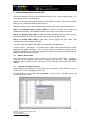
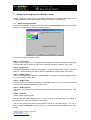
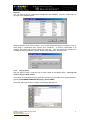
Step 2 – Image types
Step 2 is not available in the Securit 4400 package.
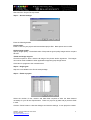
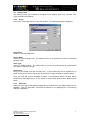
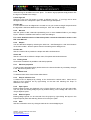
Step 3 – Fields in project
Select the number of text, numeric and date fields required to store the data deemed
necessary for your ID card requirements. There are (14) text, (6) date and (6) numeric fields
in total.
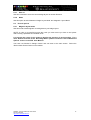
Click the ‘Finish’ button to close the dialogue and save the settings. A new project is created.
QSG003 - Securit 4400 Quick Start Guide
Technical Support
http://www.securitworld.com/
5