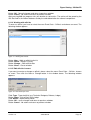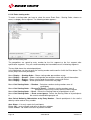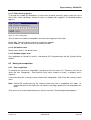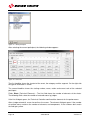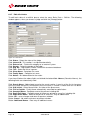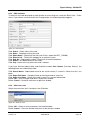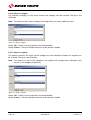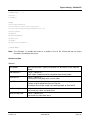
1
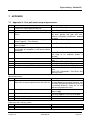
first move.
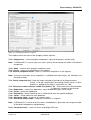
Stop rolling time when the competitor does the
last move.
Correct element list, if requested by Technical
Panel
(Possible reason: panel over-rules verification
by the program, e.g. in case of downgraded
jumps)
Calculate result
Change to next competitor
Continue with step 0
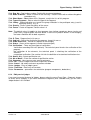
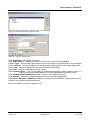
Button: T: Stop
Only after element
Button: Elements
list
is
approved
Button: 1st Score
The result appears in the result window
Button: Next
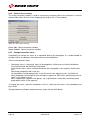
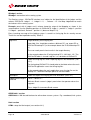
Exceptional situation:
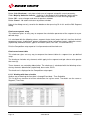
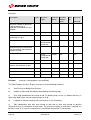
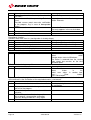
Remove skater from start list (starting order is already drawn):
Step
Comment
Reset starting number of skater to 0.
Event Data | Starting order dialog
Renumber all following skater.
Event Data | Starting order dialog
Print revised starting order
Recalc time schedule and print revised report
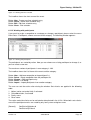
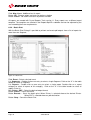
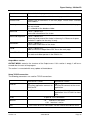
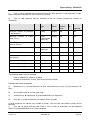
Withdraw skater before competition:
Step
Comment
Change status of skater
Event
Data
|
Participants
dialog
Select
skater
Change skater status to Withdrawn
The skater is removed from the starting
order report, but remains on the time
schedule report.
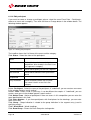
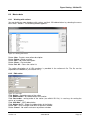
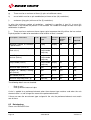
Withdraw skater during competition:
Step
Comment
Change status of skater
Button: Par. Status
Select
skater
in
list,
select new status in combo box,
press
Enter
button,
press Close button
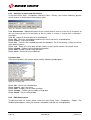
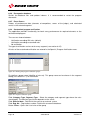
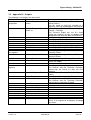
Data entry with scoring system: An element was missed. After entering the element to the bottom
of the element list the verification of the required elements is not correct.
Step
Comment
Enter element to the bottom of the element list
The element might e marked with a * by
the verification.
Enter a time code which belongs to the 1st or
2nd half of the program.
The technical panel reviews the element list and
authorize.
ISUCalcFS operator edits the element list.
Set or remove * to correct the verification.
Close the dialog and do NOT verify again.
Calculate result
Page 54
3479.502.02
Version 1.5