1
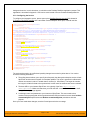
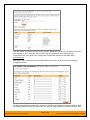
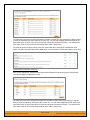
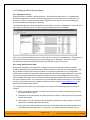
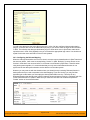
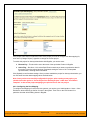
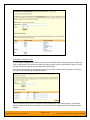
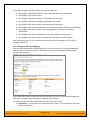
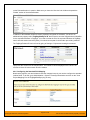
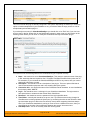
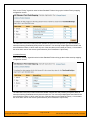
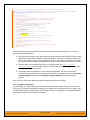
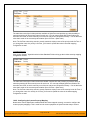
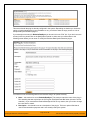
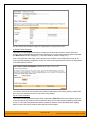
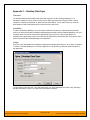
You need to lookup the display name of the custom field in OnTime that matches this custom property in
SpiraTeam. Once you have entered the id of the custom field, click [Update].
b) List Custom Properties
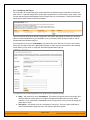
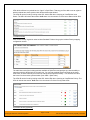
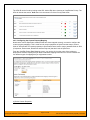
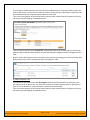
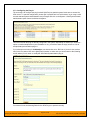
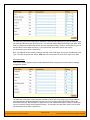
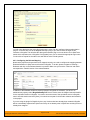
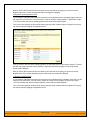
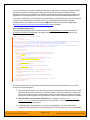
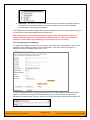
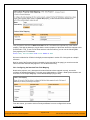
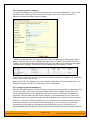
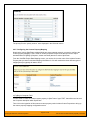
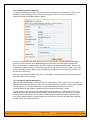
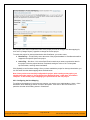
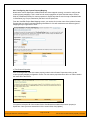
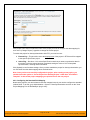
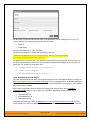
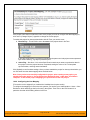
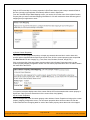
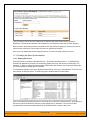
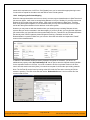
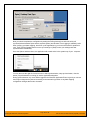
Click on the hyperlink of the list custom property under Incident Custom Properties to bring up the custom
property mapping configuration screen. For list custom properties there will be a textbox for both the
custom field itself and a mapping table for each of the custom property values that need to be mapped:
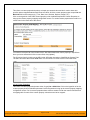
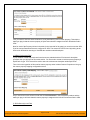
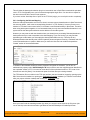
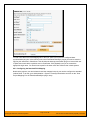
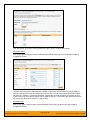
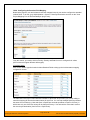
First you need to lookup the display name of the custom field in OnTime that matches this custom
property in SpiraTeam. This should be entered in the ‘External Key’ field below the name of the custom
property.
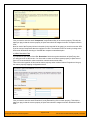
Next for each of the Property Values in the table (in the lower half of the page) you need to enter the full
name of the custom field value as specified in OnTime.
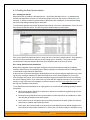
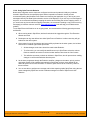
c) OnTime’s Replication Procedures Field
If you want new defects in OnTime to be loaded with the “replication prodcedures” standard text field
populated, then you will need to fill out this section. You first need to create an incident custom property in
SpiraTeam of type ‘TEXT’ that will be used to store the environment description within SpiraTeam.
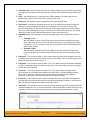
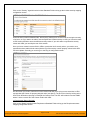
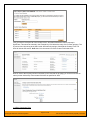
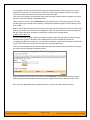
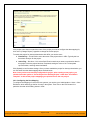
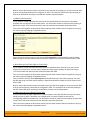
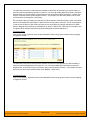
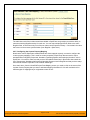
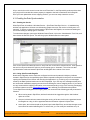
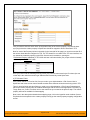
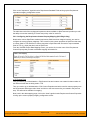
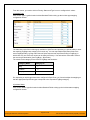
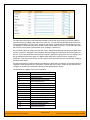
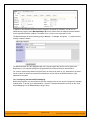
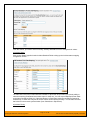
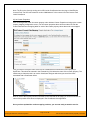
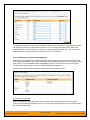
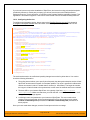
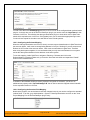
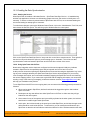
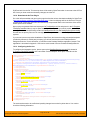
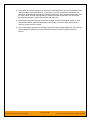
Then click on the hyperlink of this new list custom property under Incident Custom Properties to bring up
the custom property mapping configuration screen:
© Copyright 2006-2015, Inflectra Corporation
Page 162 of 168
This document contains Inflectra proprietary information