1
5.2.4. Configuring the Standard Incident Field Mapping
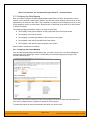
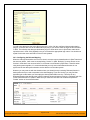
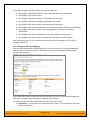
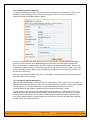
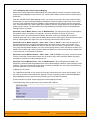
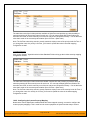
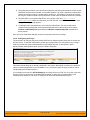
Now that the projects, user and releases have been mapped correctly, we need to configure the standard
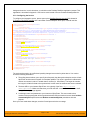
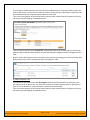
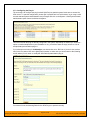
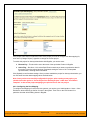
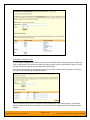
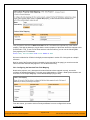
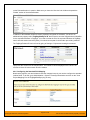
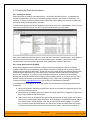
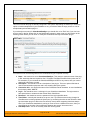
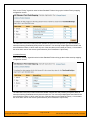
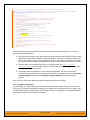
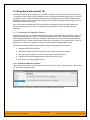
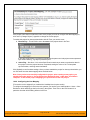
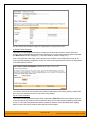
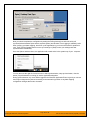
incident fields. To do this, go to Administration > System > Data Synchronization and click on the “View
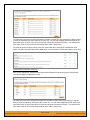
Project Mappings” for the MsTfsDataSync plug-in entry:
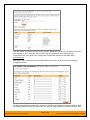
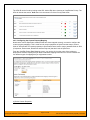
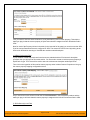
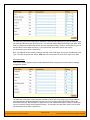
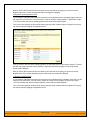
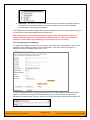
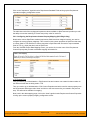
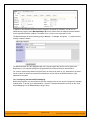
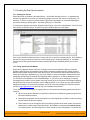
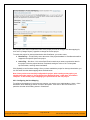
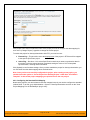
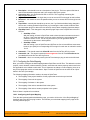
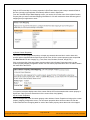
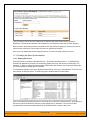
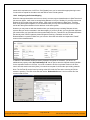
From this screen, you need to click on Priority, Severity, Status and Type in turn to configure their values:
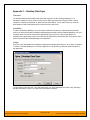
a) Incident Type
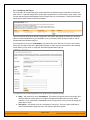
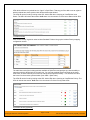
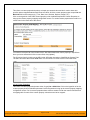
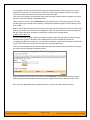
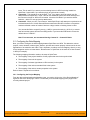
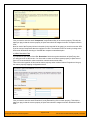
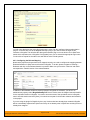
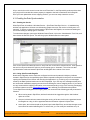
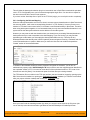
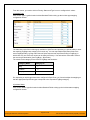
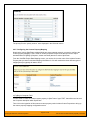
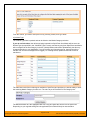
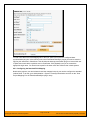
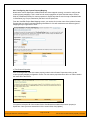
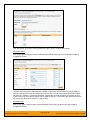
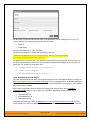
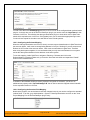
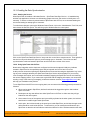
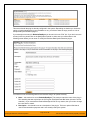
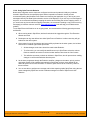
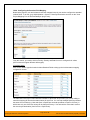
Click on the “Type” hyperlink under Incident Standard Fields to bring up the Incident type mapping
configuration screen:
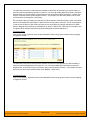
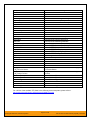
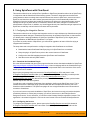
The table lists each of the incident types available in SpiraTeam and provides you with the ability to enter
the matching TFS work item type name for each one. To make this easier, we recommend that inside the
Administration > Edit Incident Statuses screen you first make all incident types inactive except Risk, Issue
and Bug since only those types make sense to synchronize with TFS.
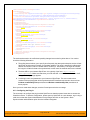
b) Incident Status
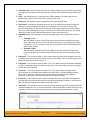
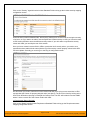
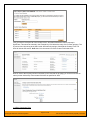
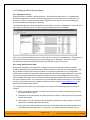
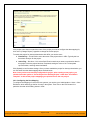
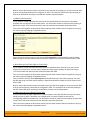
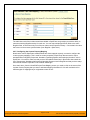
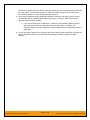
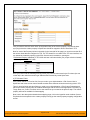
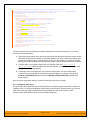
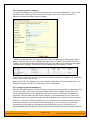
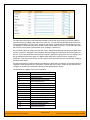
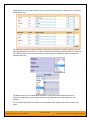
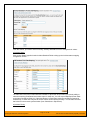
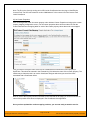
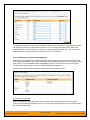
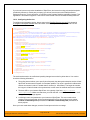
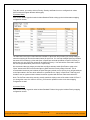
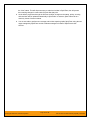
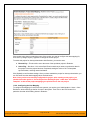
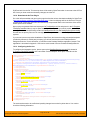
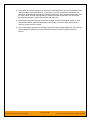
Click on the “Status” hyperlink under Incident Standard Fields to bring up the Incident status mapping
configuration screen:
© Copyright 2006-2015, Inflectra Corporation
Page 61 of 168
This document contains Inflectra proprietary information