1
Portable PC M-Unit with Kaba’s IrDA Kit
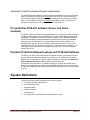
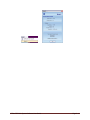
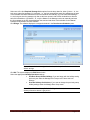
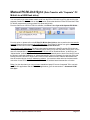
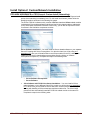
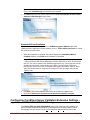
The “M-Unit” is Kaba Access Control system's term for a PC based portable unit that
communicates with the locks through industry standard infrared (IrDa) interface by
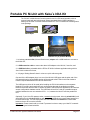
making use of Kaba’ PC M-Unit Communications Kit. The kit contains the following items
in the package:
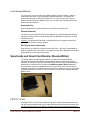
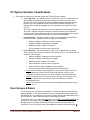
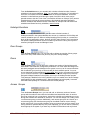
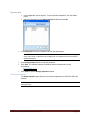
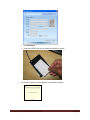
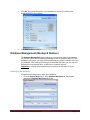
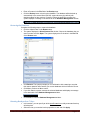
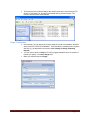
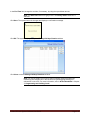
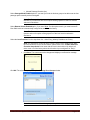
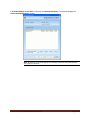
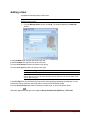
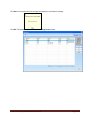
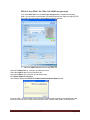
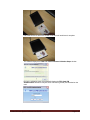
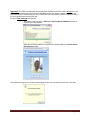
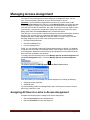
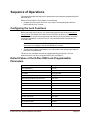
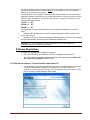
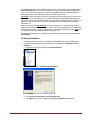
IrDa Adapter
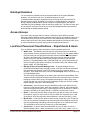
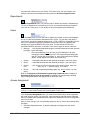
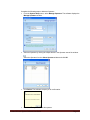
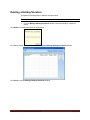
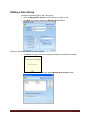
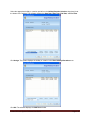
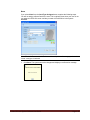
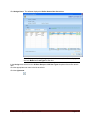
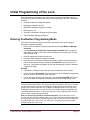
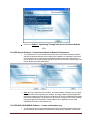
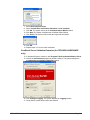
USB Flash Drive
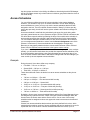
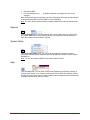
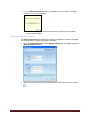
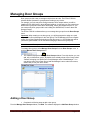
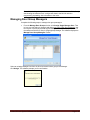
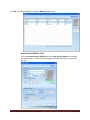
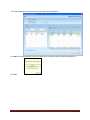
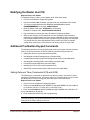
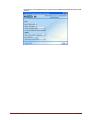
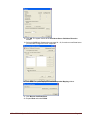
USB Extension Cable
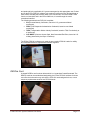
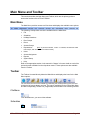
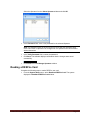
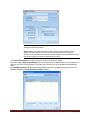
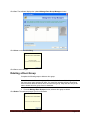
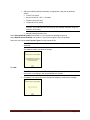
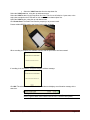
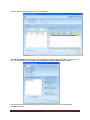
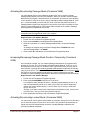
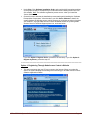
Netbook PC (as portable M-Unit)
1. An industry standard IrDA (Infrared Data Access) adapter with a USB interface to connect to
the M-Unit PC,
2. A USB extension cable to connect the above IrDA adapter to the M-Unit, if need be, and
3. A USB flash drive, preloaded with the E-Plex PC M-Unit software application along with its
User Guide in electronic format,
4. A 2-page “Getting Started” sheet in color as a quick reference guide.
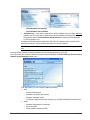
One end of the IrDA adapter plugs in to one of the M-Unit’s USB ports and the other end of the
IrDa transmit/receive infrared data window will be pointed at the E-Plex lock’s IrDa window to
transfer required data between the M-Unit and the lock.
The USB memory drive will be used (after installing the PC M-Unit software on the separate
Netbook PC) to store and transfer the lock configuration data and the audited events data
between the M-Unit and the Host PC where the main E-Plex Enterprise applications its locks/user
access configuration database reside. The USB flash drive will be used as a portable transport
medium between the two non-networked PCs – i.e., between the Host PC and the portable MUnit.
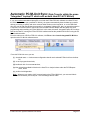
Optionally, if your Host PC operates under a networked environment, either by wired LAN (Local
Area Network) or by wireless LAN, you will not need the USB drive to transfer data between the
Host and the M-Unit. You can simply make use of the Host PC’s IP address to transfer data
between the two PCs over the network.
Important: Please consult with your local IT personnel on how to setup your Host PC’s network
IP addressing and related schemes.
E-Plex FIPS-201 System Software User Guide
Page 5-2