1
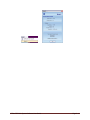
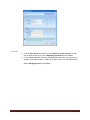
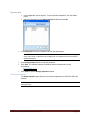
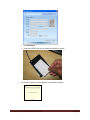
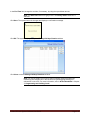
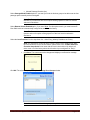
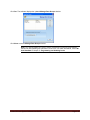
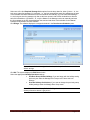
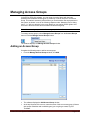
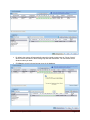
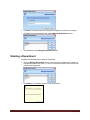
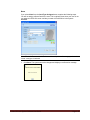
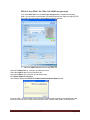
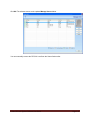
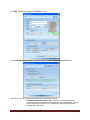
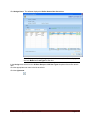
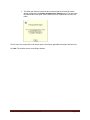
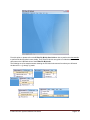
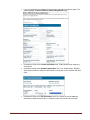
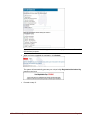
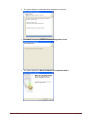
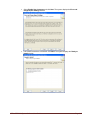
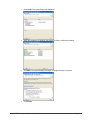
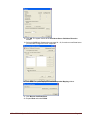
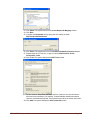
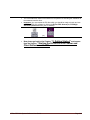
Select the appropriate holiday or vacation from the Select Holiday/Vacation drop-down list at the bottom
of the window. The software displays the Start Date, Start Time, End Date, and End Time.
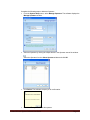
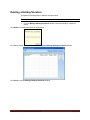
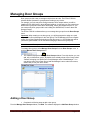
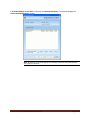
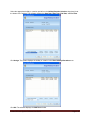
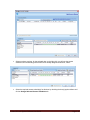
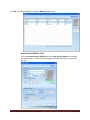
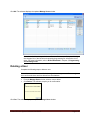
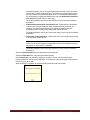
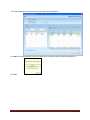
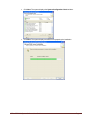
Click Assign. The system displays the holiday or vacation in the Door Group Holidays/Vacations area.
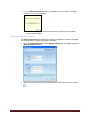
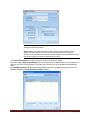
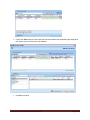
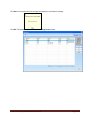
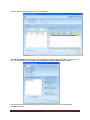
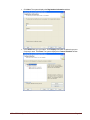
Click OK. The software returns to the Add Door Group window.
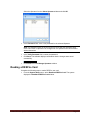
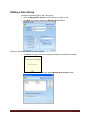
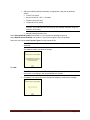
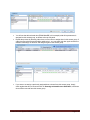
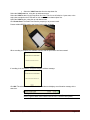
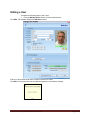
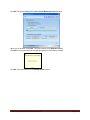
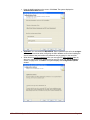
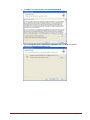
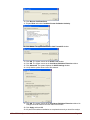
Adjust the following default lock parameters for all locks in this door group, as appropriate, using the up
and down arrows:
•
Unlock Time (secs)
•
Buzzer Volume (0 = Off, 3 = Loudest)
•
Tamper Count (# of tries)
•
Tamper Shut Time (secs)
E-Plex FIPS-201 System Software User Guide
Page 3-25