1
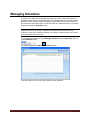
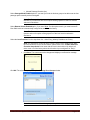
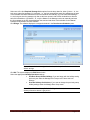
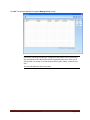
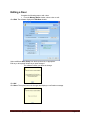
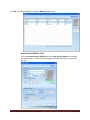
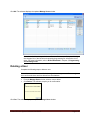
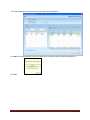
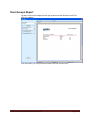
From the Schedules menu, you can add, edit, or delete unlimited number of access
schedules in the system database. Note: You can assign a maximum of 16 schedules in
each lock out of these total number of schedules in the system database. An access
schedule is a defined time period during the span of a week in which users can be
granted access to the door. One of the 16 schedules will have an “Always” (24/7) access
schedule that is built into the system software; this schedule cannot be changed or
deleted. Schedules with different access credentials, for example PIN and Smart Card
schedules and Smart Card only schedules, cannot overlap.
Holidays/Vacations
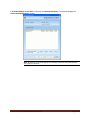
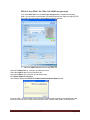
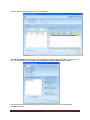
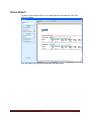
From the Holidays/Vacations menu, you can create unlimited number of
holidays/vacations in the system database but can set up a maximum of 32 holiday and
vacation schedules per lock. When a holiday/vacation period (one day or a consecutive
block of days) is assigned to a door, the door will NOT grant access to any Users during
that period. Holidays/vacations can be overridden by all Service Users, plus any other
selected “privileged” Access and Manager Users.
Door Groups
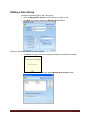
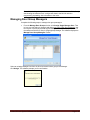
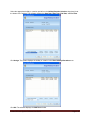
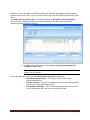
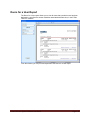
From the Door Groups menu, you can add, edit, or delete any number of door groups.
Each Door Group must contain one (and only one) Door Group Manager.
Doors
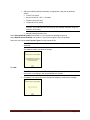
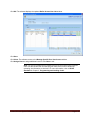
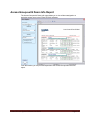
From the Doors menu, you can add, edit, or delete any number of physical doors with
associated E-Plex 5800 lock configuration parameters. You must select and assign from
previously assigned Access Schedules in the system, one or up to 16 access schedules
with Credential Type (card only or PIN and card) for each schedule period. You must
ensure that these access schedules do not overlap, but if you do, the system will prompt
you to correct this scenario. Optionally, you can also select and assign from previously
assigned Holidays/Vacations in the system, one or up to 32 holiday/vacation periods.
Free passage is disabled in the lock by default but you can enable one of three Passage
mode options for each schedule period – Manual passage (at lock keypad), Automatic
Schedule based passage or First authorized user access passage.
Access Groups
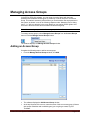
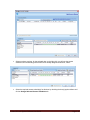
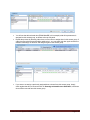
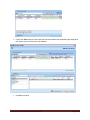
From the Access Groups menu, you can add, edit, or delete any number of access
groups which contain the doors with their schedules and associated users. An access
group can consist of one or many doors, each with a schedule and credential type to use
during that schedule info attached for each door. You can also assign one or many users
in each access group you create. Additionally, each access group can be “cloned” as a
new access group; this cloned access group can be edited to add or remove door(s)
and/or user(s) from it very quickly instead of trying to create a new one from scratch, thus
saving enormous operator data key entry time. Optionally, you do not need to create any
access groups in the system if you have only a handful of locks/doors and only limited
E-Plex FIPS-201 System Software User Guide
Page 2-8