1
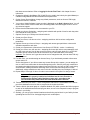
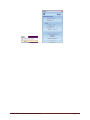
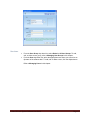
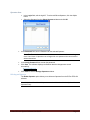
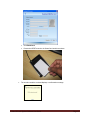
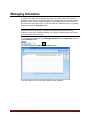
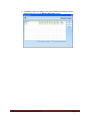
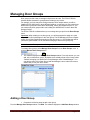
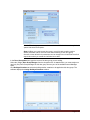
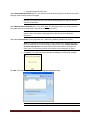
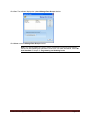
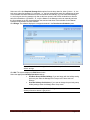
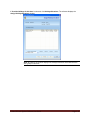
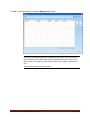
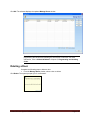
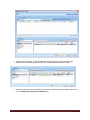
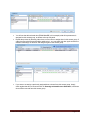
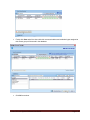
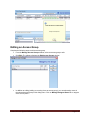
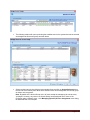
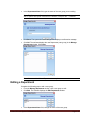
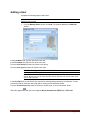
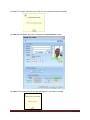
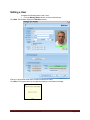
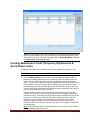
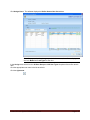
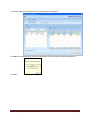
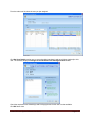
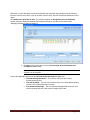
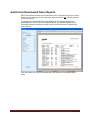
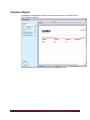
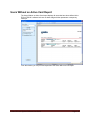
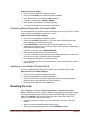
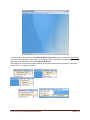
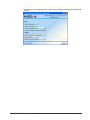
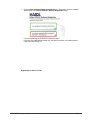
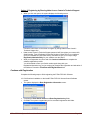
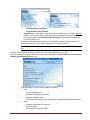
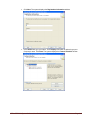
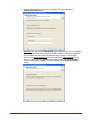
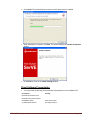
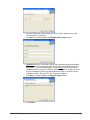
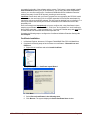
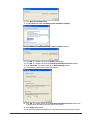
If Override Holidays for this door is selected, click Holidays/Vacations. The software displays the
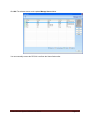
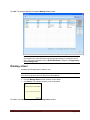
Assign Holidays/Vacations window.
Note: By default, the window displays the holidays/vacations associated with the
door group for this door.
E-Plex FIPS-201 System Software User Guide
Page 3-35