1
Chromeleon Software
Program Files ________________________________________________________________________________
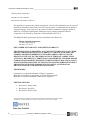
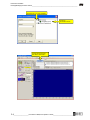
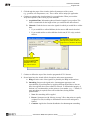
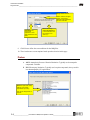
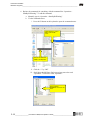
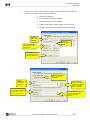
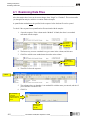
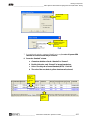
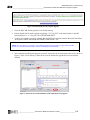
B. The command to start the mass spectrometer must also be programmed.
1. Click on the “Closed” or “On” option under the relay name.
2. In the retention time field, enter the time for the mass spectrometer to start
acquiring data.
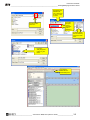
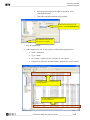
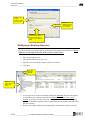
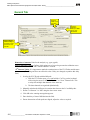
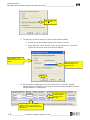
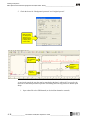
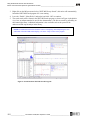
(1) Click the “+”
by the relay or
TTL name to
open the menu.
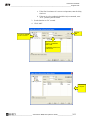
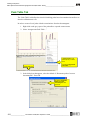
(3) Leave
retention
time empty.
(2) Click State to open
the State options
(4) Set
the State
to “Open”
or “Off”.
(5) Click
Add.
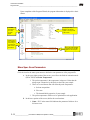
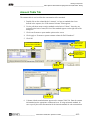
What commands will
you need to add?
Use this space to make a list
of the relay commands you
will need in order to control
your system (e.g. matrix
diversion valves, external
water for IC systems)
_____________________
_____________________
_____________________
_____________________
_____________________
_____________________
_____________________
_____________________
_____________________
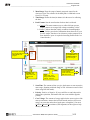
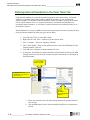
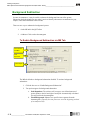
(6) The command appears in the list
at the bottom of the screen.
3-10
_____________________
__________________Chromeleon / MSQ Plus Operator’s Guide___________________________