1
Chromeleon Software
The Panel Tabset _____________________________________________________________________________
3.3 The Panel Tabset
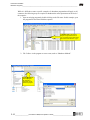
The Panel Tabset is designed to give the user access to direct control over the
chromatography system. Each panel tabset is unique for the hardware configuration.
The Panel Tabsets shown in the following figures may not represent the actual screens
on your computer; however, all statements are fully transferable.
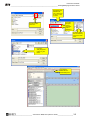
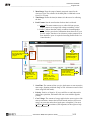
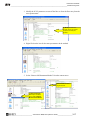
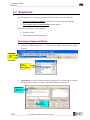
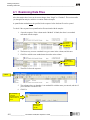
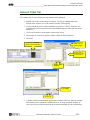
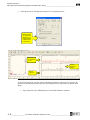
Tabs appear at the top of the screen to allow for
navigation between separate hardware components
(e.g. Pump, Column Oven, and MSQ Plus.)
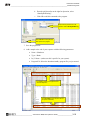
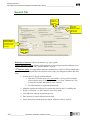
Sample and program information
displayed from the running
sequence.
Buttons provide direct
access for controlling
the hardware.
An audit trail provides up-tothe-minute information on the
status of your system.
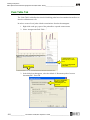
A real - time
display of the
chromatogram.
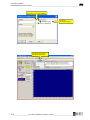
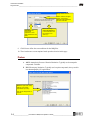
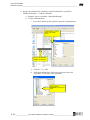
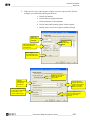
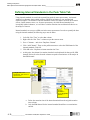
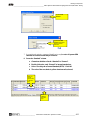
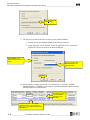
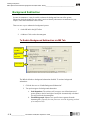
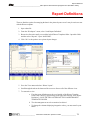
Familiarize yourself with the menus and toolbars at the top of the screen to navigate between
these windows.
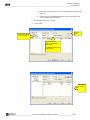
“Window” allows navigation
between open screens.
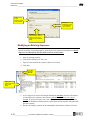
Shortcut to Browser from
Panel Tabset
3-2 ____________________Chromeleon / MSQ Plus Operator’s Guide___________________________