1
Chromeleon / MSQ Plus Operator’s Manual
____________________________________________________________________________________ Introduction
1. Chromeleon / MSQ Plus Operator’s Manual
1.1 Introduction
The intent of this manual is to familiarize users with basic concepts of MSQ operation under
Chromeleon control. Users should already be comfortable with the hardware of the front-end
ion chromatograph (IC) or liquid chromatograph (LC), MSQ Plus, and with basic Chromeleon
functions. This manual should not be used as a substitute for formal Chromeleon training.
1.2 Conventions
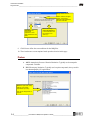
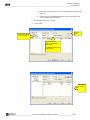
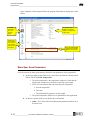
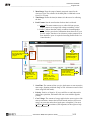
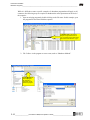
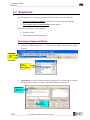
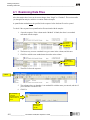
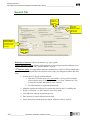
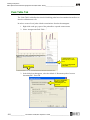
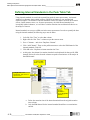
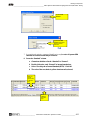
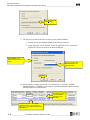
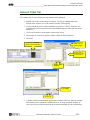
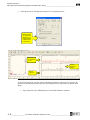
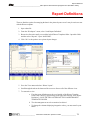
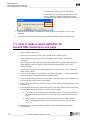
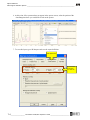
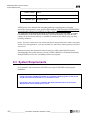
The figures and call-outs used in this manual are to aid the user in performing
Directions and actions
Directions to be performed in an
ordered sequence
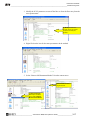
Alternate ways of performing a
given task
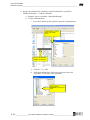
Commonly used
commands/icons for Mass
Spectrometry
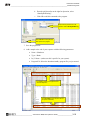
Important Notes and Cautions
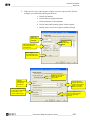
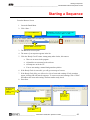
Right Click the
icon and select
“Start Server”.
(5) Next, click
the name of the
data file.
Or select the
“New File” icon
Select “Mass
Spectra” icon
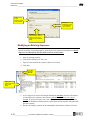
Caution: Always turn power OFF
_____________________ Chromeleon / MSQ Plus Operator’s Guide _________________________ 1-1