1
7.5 Configuring And Running Individual Workload Managers
245
7.4.3 Monitoring The Workload Manager Services
By default, the workload manager services are monitored. The Bright Cluster Manager attempts to
restart the services using the service tools (section 3.11), unless the role for that workload manager
service is disabled, or the service has been stopped (using cmsh or cmgui). Workload manager roles
and corresponding services can be disabled using wlm-setup (section 7.3.1), cmgui (section 7.4.1), or
cmsh (section 7.4.2).
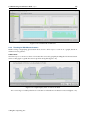
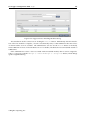
The daemon service states can be viewed for each node via the shell, cmsh, or cmgui (section 3.11).
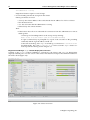
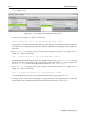
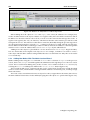
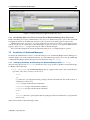
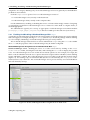
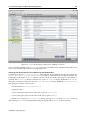
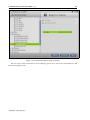
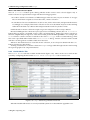
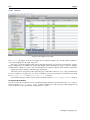
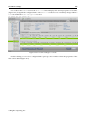
Queue submission and scheduling daemons normally run on the head node. From cmgui their
states are viewable by clicking on the node folder in the resources tree, then on the node name item, and
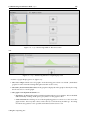
selecting the Services tab (figures 3.17 and 9.5).
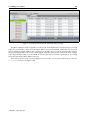
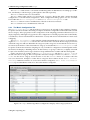
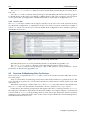
The job execution daemons run on compute nodes. Their states are viewable by clicking on the
Nodes folder, then on the node name item, and selecting the Services tab.
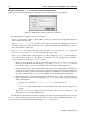
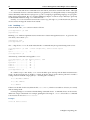
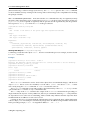
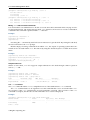
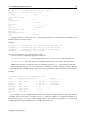
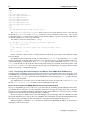
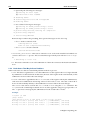
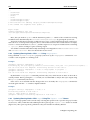
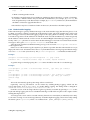
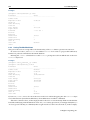
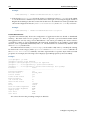
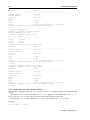
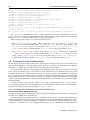
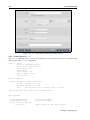
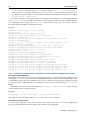
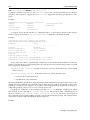
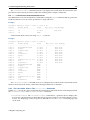
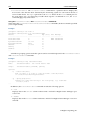
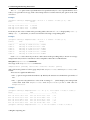
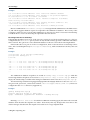
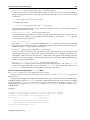
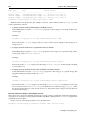
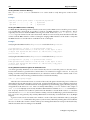
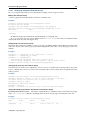
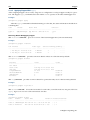
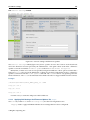
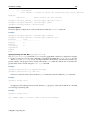
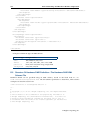
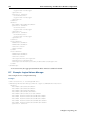
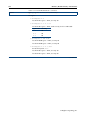
From cmsh the services states are viewable from within device mode, using the services command. One-liners from the shell to illustrate this are (output elided):
Example
[root@bright71 ~]# cmsh -c "device services node001; status"
sgeexecd[
UP
]
[root@bright71 ~]# cmsh -c "device services bright71; status"
...
sge[
UP
]
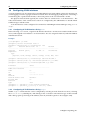
7.5
Configuring And Running Individual Workload Managers
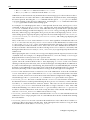
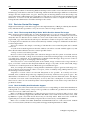
Bright Cluster Manager deals with the various choices of workload managers in as generic a way as
possible. This means that not all features of a particular workload manager can be controlled, so that
fine-tuning must be done through the workload manager configuration files. Workload manager configuration files that are controlled by Bright Cluster Manager should normally not be changed directly
because Bright Cluster Manager overwrites them. However, overwriting by CMDaemon is prevented
on setting the directive:
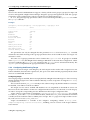
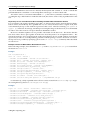
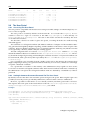
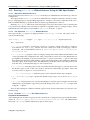
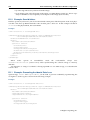
FreezeChangesTo<workload manager>Config = <true|false>
in cmd.conf (Appendix C), where <workload manager> takes the value of Slurm, SGE, Torque, PBSPro,
or openlava, as appropriate. The value of the directive defaults to false.
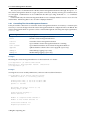
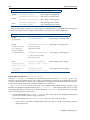
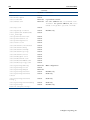
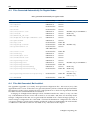
A list of configuration files that are changed by CMDaemon, the items changed, and the events
causing such a change are listed in Appendix H.
A very short guide to some specific workload manager commands that can be used outside of the
Bright Cluster Manager 7.1 system is given in Appendix F.
7.5.1
Configuring And Running Slurm
Configuring Slurm
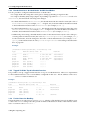
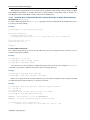
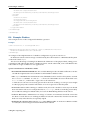
After package setup is done with wlm-setup (section 7.3), Slurm software components are installed in
/cm/shared/apps/slurm/current.
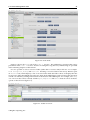
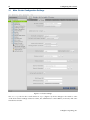
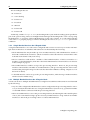
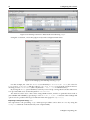
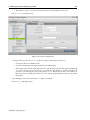
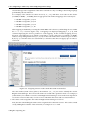
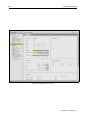
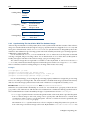
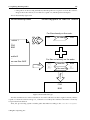
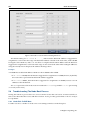
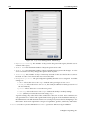
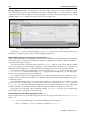
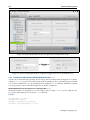
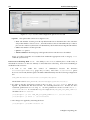
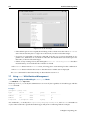
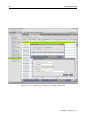
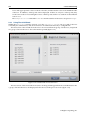
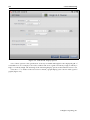
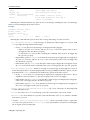
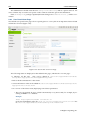
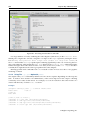
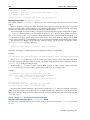
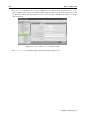
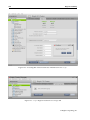
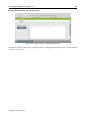
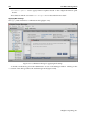
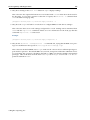
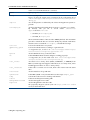
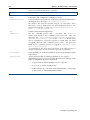
Slurm clients and servers can be configured to some extent via role assignment (sections 7.4.1 and 7.4.2).
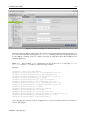
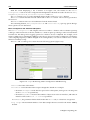
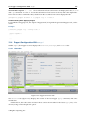
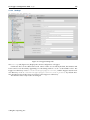
For example, the advanced options can be set in cmgui (figure 7.6).
© Bright Computing, Inc.