1
426
MIC Configuration
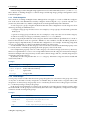
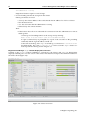
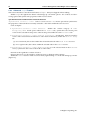
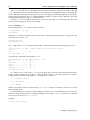
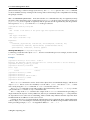
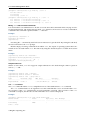
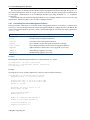
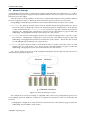
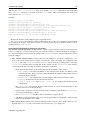
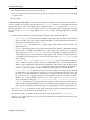
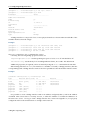
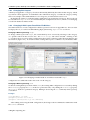
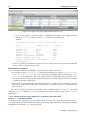
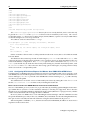
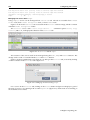
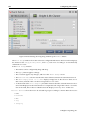
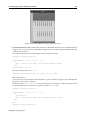
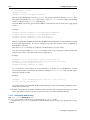
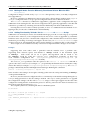
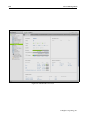
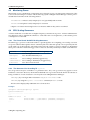
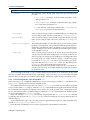
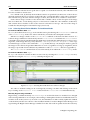
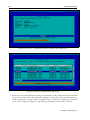
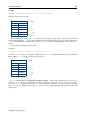
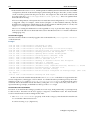
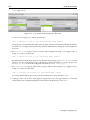
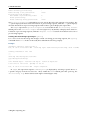
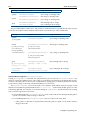
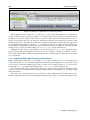
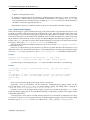
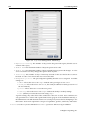
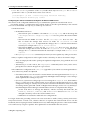
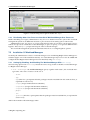
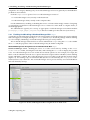
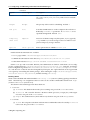
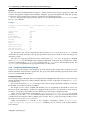
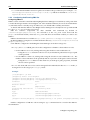
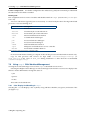
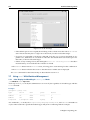
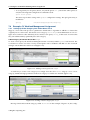
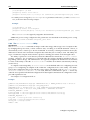
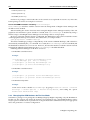
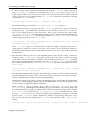
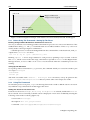
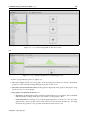
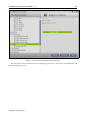
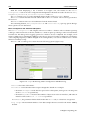
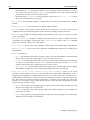
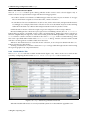
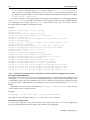
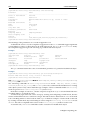
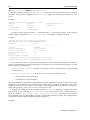
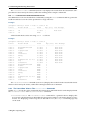
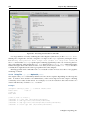
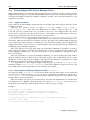
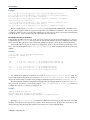
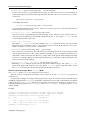
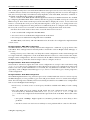
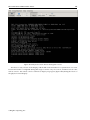
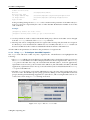
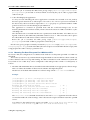
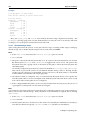
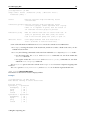
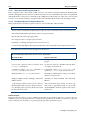
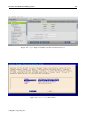
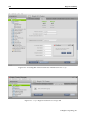
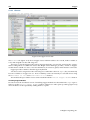
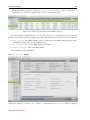
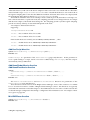
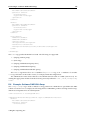
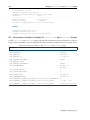
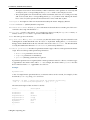
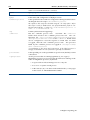
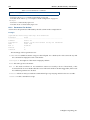
Figure 11.4: cmgui: The MIC Overlay Tab
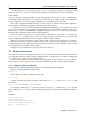
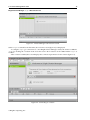
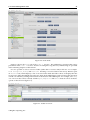
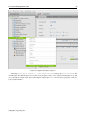
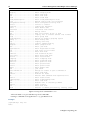
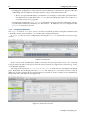
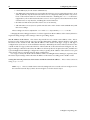
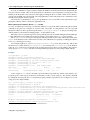
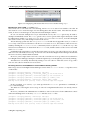
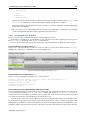
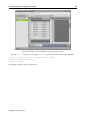
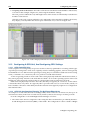
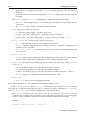
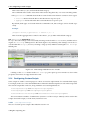
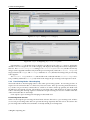
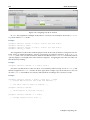
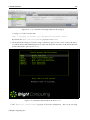
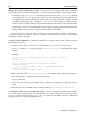
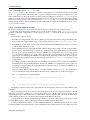
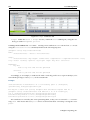
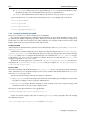
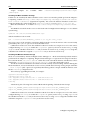
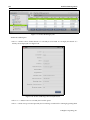
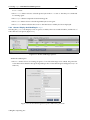
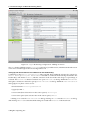
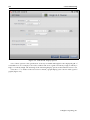
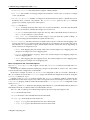
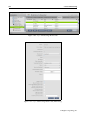
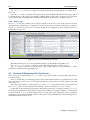
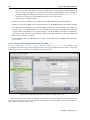
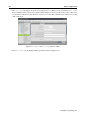
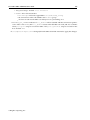
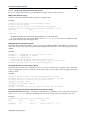
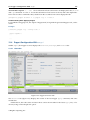
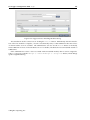
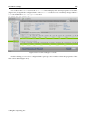
MICs" button in the Overview tab that is displayed when the MIC Nodes resource is selected
(figure 11.5).
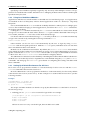
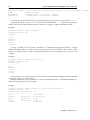
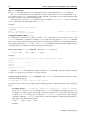
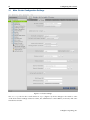
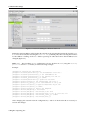
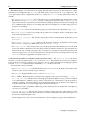
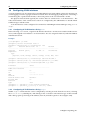
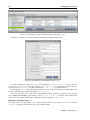
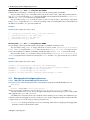
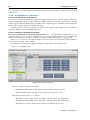
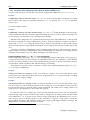
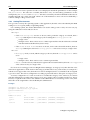
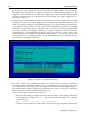
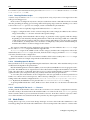
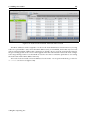
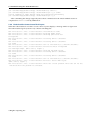
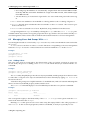
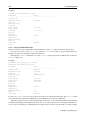
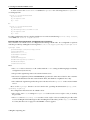
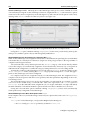
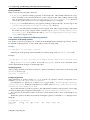
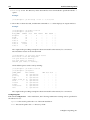
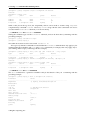
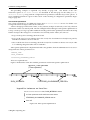
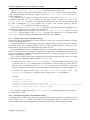
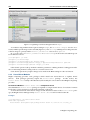
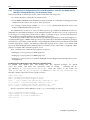
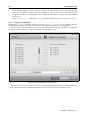
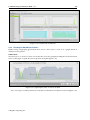
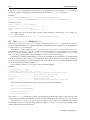
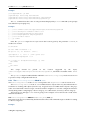
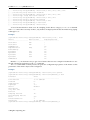
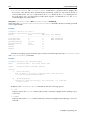
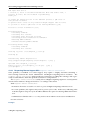
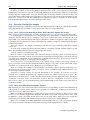
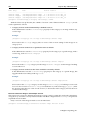
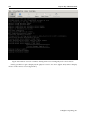
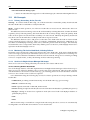
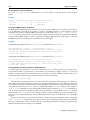
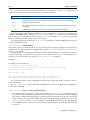
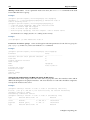
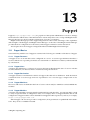
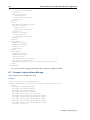
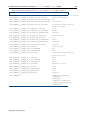
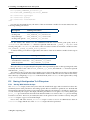
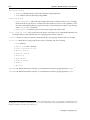
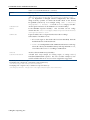
Figure 11.5: cmgui: MIC Nodes Overview Tab
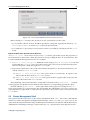
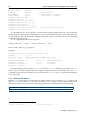
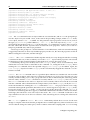
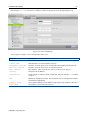
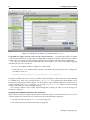
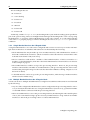
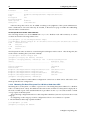
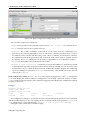
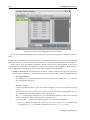
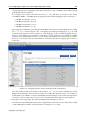
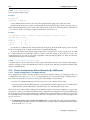
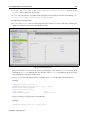
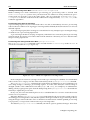
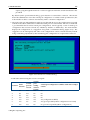
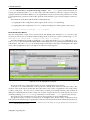
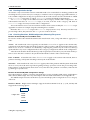
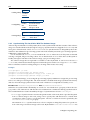
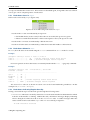
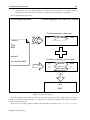
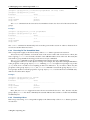
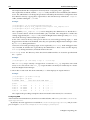
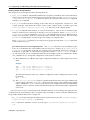
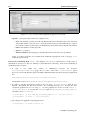
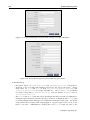
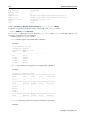
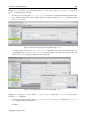
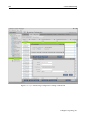
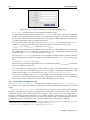
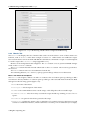
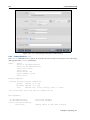
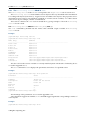
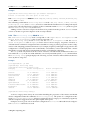
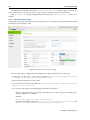
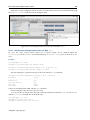
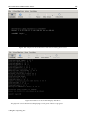
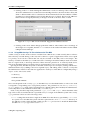
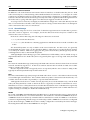
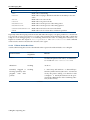
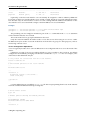
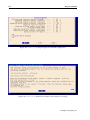
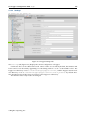
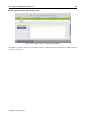
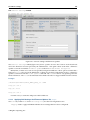
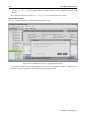
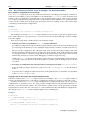
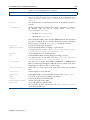
1. When the "Create MICs" button is clicked, the administrator can select a range of hosts on
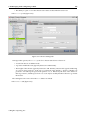
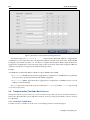
which the MIC cards are installed. The administrator can also set the name and range of the
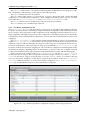
MIC suffixes to be used for the MICs. The default pattern is mic<INDEX>. A MIC hostname
template is suggested using a the MIC host hostnames and MIC card names as parameters.
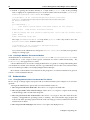
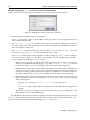
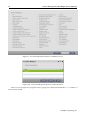
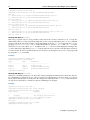
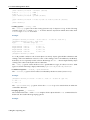
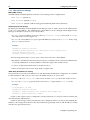
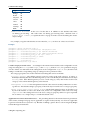
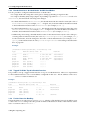
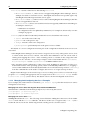
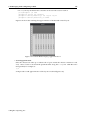
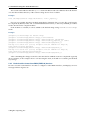
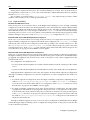
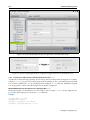
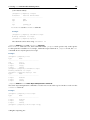
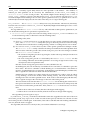
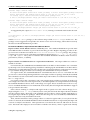
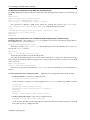
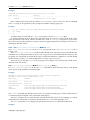
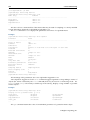
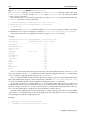
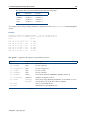
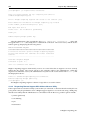
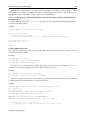
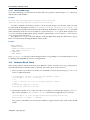
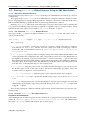
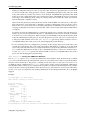
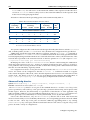
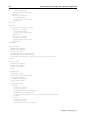
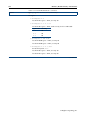
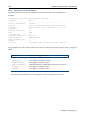
Figure 11.6: cmgui: MIC Creation Wizard: Hostname Screen
© Bright Computing, Inc.