1
CIMON PLC FUNCTION BLOCK USER MANUAL
5.1. Enter FB in a Ladder Logic
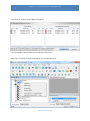
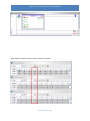
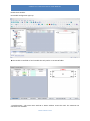
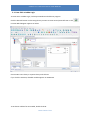
To enter FB in a Ladder Logic, click Project Window and add scan program.
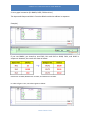
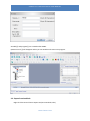
Click the desired location on the Rung where you want to enter FB and press Shift+F9 or click
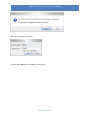
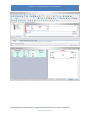
Function Block Diagram appears as below.
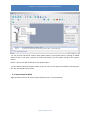
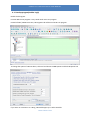
Choose FB in User Library or System Library and click OK.
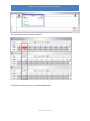
If you click the FB name, detailed variable appears on FB Review.
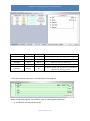
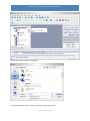
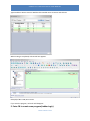
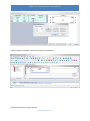
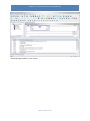
To set device address for FB variable, double-click FB.
WWW.CIMON.COM
.