1
l-4
-
l-5
l-6
l-7,1-8
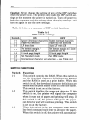
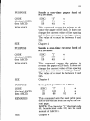
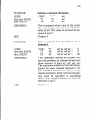
ly advance the paper one line every time it receives
a carriage return. (For example, most BASIC’s send
a line feed with every carriage return; in this case,
this switch should be on.) This switch is set on at the
factory.
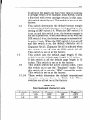
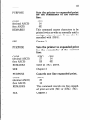
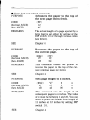
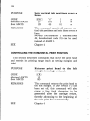
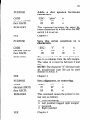
This switch determines the default bottom margin
or selects the default character set depending on the
setting of DIP switch l-6. When the DIP switch l-6
is set on and this switch is on, the bottom margin is
not set at power-on. When this switch is off with the
DIP switch l-6 on, the bottom margin is automatically set to 1 inch. When the DIP switch l-6 is set off
and this switch is on, the default character set is
Character Set #l. Character Set #2 is selected when
this switch is set off with the DIP switch l-6 off.
This switch is set on at the factory.
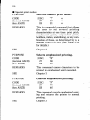
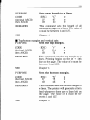
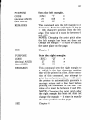
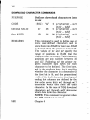
This switch sets the default page length. If this
switch is on the default page length is 11 inches.
If this switch is off the default page length is 12
inches. This switch is set on at the factory.
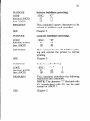
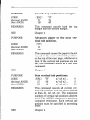
This switch selects the active control codes. Turn
this switch on to use the “Standard” mode. Turn
this switch off to use the “IBM” compatible mode.
This switch is set on at the factory.
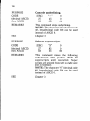
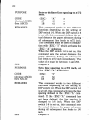
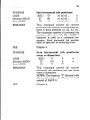
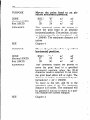
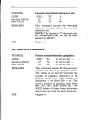
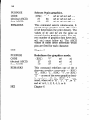
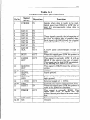
These switch determine the default international
character set, as shown in Table A-2. These
switches are all set on at the factory.
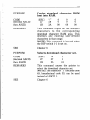
Table A-2
International character sets
Switch
1-7
l-8
U.S.A
ON
ON
France
OFF
ON
Germany
ON
OFF
England
OFF
OFF