1
USER MANUAL
SMART TOUCH - V1.1
2.4.1 TIME
The Smart Touch can work as date and time slave in the KNX bus by receiving the corresponding data by
telegrams from any other KNX clock (see programming ¡Error! No se encuentra el origen de la referencia.
¡Error! No se encuentra el origen de la referencia. pag.¡Error! Marcador no definido.)
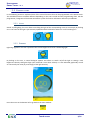
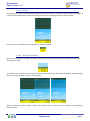
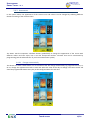
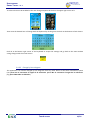
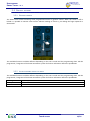
The current date and time can also be configured manually with this option of the menu. Set the desired values
using the left and right arrows for every field as shown next:
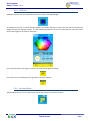
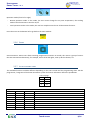
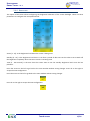
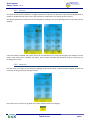
Press the arrow on the left to go back to the main window without saving the date and time changes.
Press ok on the right to accept the new configuration. By doing this, the Smart Touch will send the date and time
to the other devices of the home automation system.
Touch screen
13/21