1
USER MANUAL
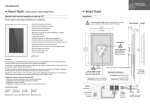
SMART TOUCH - V1.1
2.2 C ONTROL ICONS
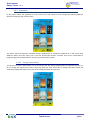
In the following section is explained each of the control functions that can be programmed in the Smart Touch.
The available functions could be different depending on the user’s needs and the programming done. Ask the
programmer / integrator of the home automation system for further information about the possibilities.
2.2.1 LIGHTS
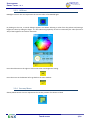
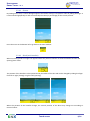
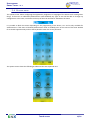
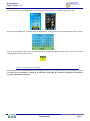
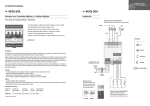
Switch on/off lighting: this icon allows controlling the light of the corresponding room or zone simply by clicking
on it. The status of the light is permanently updated and the bulb will be either on or off according to it.
2.2.2 DIMMERS
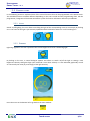
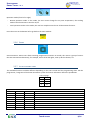
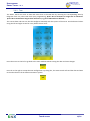
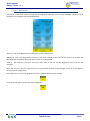
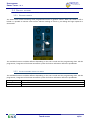
Lightning regulation: this icon represents the current brightness level of a dimmering light.
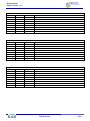
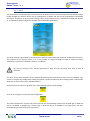
By clicking on the icon, a control dialogue appears and allows to switch on/off the light or setting a new
brightness value by sliding the finger (the command is sent when release). It is also indicated graphically as well
as numerically the value (in percentage) of the light intensity.
Press the arrow at the bottom left to go back to the main window.
Touch screen
4/21