1
234
Alliance Builder
User Manual
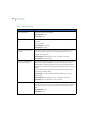
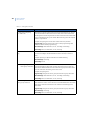
Description
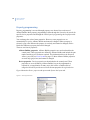
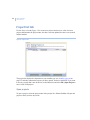
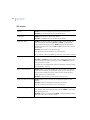
Specify a 40-character text description. The description is not transferred to the device,
and is only used by the management software.
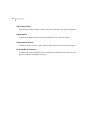
Output to follow
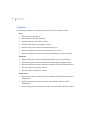
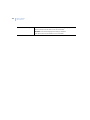
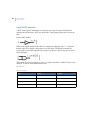
Specify the relay (output) assigned to the time zone. The time zone validity follows the
relay state. For example, the time zone is active when the assigned relay is active and is
inactive when the assigned relay is inactive.
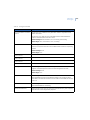
Service technician setup
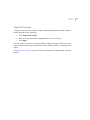
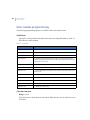
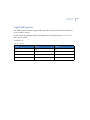
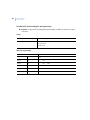
The system provides soft time zone 25. This time zone is hard-wired and cannot be
programmed. It is used in alarm group 9 to grant access to an installer servicing the
system. The state of the time zone is only active when Service technician (menu 17) is
enabled.
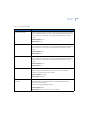
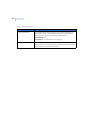
Function key programming
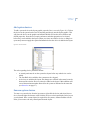
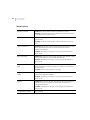
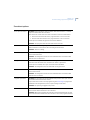
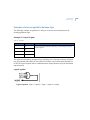
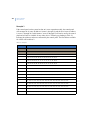
In order to program the keypad function keys, the RAS device address must be between
0 and 4. Also, the relay you want to become active when a function key is pressed must
have the associated soft time zone programmed.
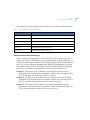
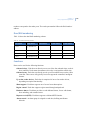
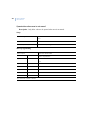
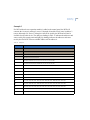
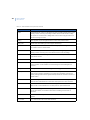
Example. To activate relay 100 when F1 is pressed on RAS number 1:
•
•
Create relay 100.
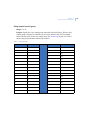
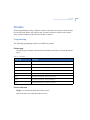
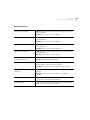
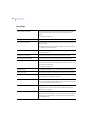
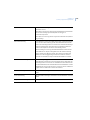
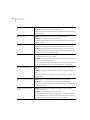
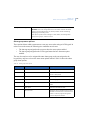
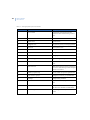
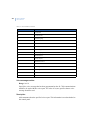
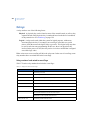
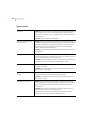
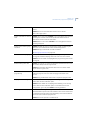
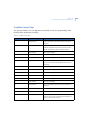
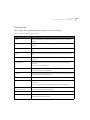
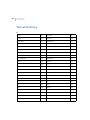
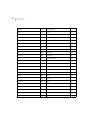
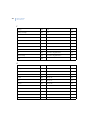
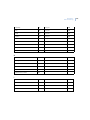
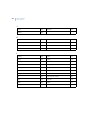
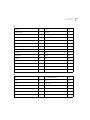
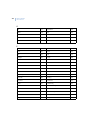
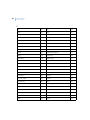
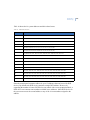
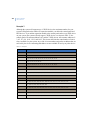
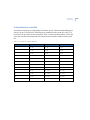
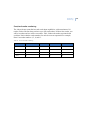
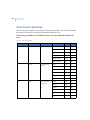
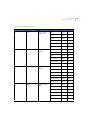
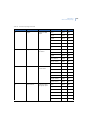
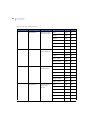
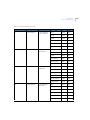
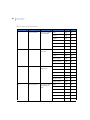
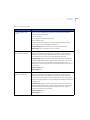
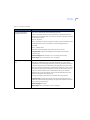
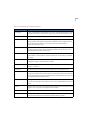
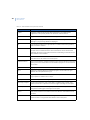
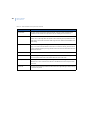
Based on the table x, soft time zone 42 must be used. In the time zone option in
Relay programming (see Time zone on page 232), assign time zone 42.