1
30
Alliance Builder
User Manual
Help
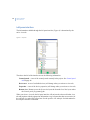
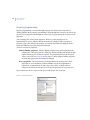
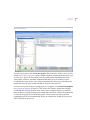
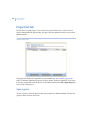
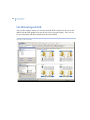
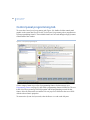
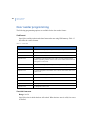
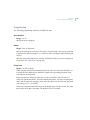
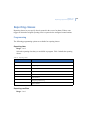
The Help Viewer provides a navigation pane with the following tabs:
Contents tab. Use the Contents tab to see a list of major categories of Help topics
organized into books. Double-click a book to expand it into a list of topics. Click a
topic to open it in the topic pane.
Index tab. Use the Index tab to see the Help index. Click an index entry to open a topic
that contains information relating to the index entry. If more than one topic is found,
a pop-up selection window with a list of related topics will appear. Click on a topic
on the list to access that topic.
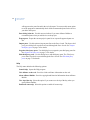
Search tab. Use the Search tab to search the Help topics.
Glossarytab. Use the Glossary tab to find definitions for words used in Alliance
Builder.
You can Hide and Show the tabs by clicking the appropriate button
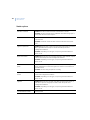
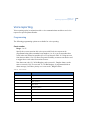
Copy a topic
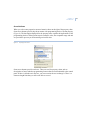
In the topic pane of the Help Viewer, right-click inside the topic you want to copy, and select
the Select All option.
Inside the topic, right-click again, and select Copy. This copies the topic to the clipboard.
Click the location in your document where you want the information to appear.
In the Edit menu, select Paste.
Note:
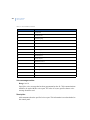
If you want to copy only part of a topic, select the part you want to copy, right-click the selection,
and select Copy. Words that are links to other topics and step numbers are not copied to the
Clipboard.
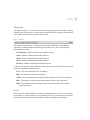
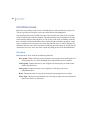
Print a topic or book
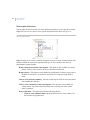
Right-click the topic you want to print, and select Print.
Use the Contents tab to print all topics within a book. Right-click the book and select Print.
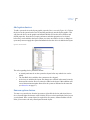
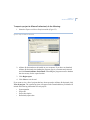
In the Print topics window, select the Print the selected heading and all subtopics option
and click OK.