1
Backup & Restore
19
Backup & Restore
19.1
Introduction
261
Back-up with data compression and File-Splitting support.
B a c k up y o ur d a ta !
Every data storage media will fa il s o me d a y and it always seems to happen when you need the
data the most.
Hopefully you have a current backup. If not, you may be faced with many frustrating hours trying to
reconstruct your data.
Don't waste your valuable time and energy. Back up you data!
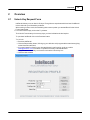
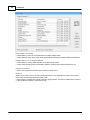
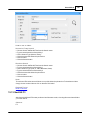
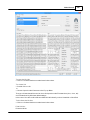
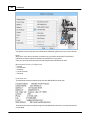
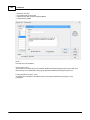
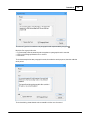
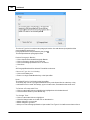
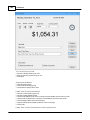
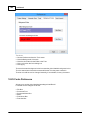
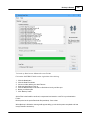
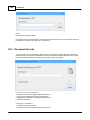
Backup for InfoRecall is powerful and easy-to-use. Its design gives you all the security,
convenience, and reliability you need to back up and restore your data. Point-and-click feature
provides complete control over operations using a visual interface.
Save your back up to the Hard Drive, USB Flash Drive, Diskettes or the Sky.
Backing up to smaller media allows you to span media so you can back up even the largest files
with file-splitting support. Squeeze the most data on the least media with built-in data compression
to speed data transfer and reduce back up and restore time.
Backup is easy to use.
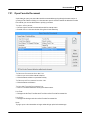
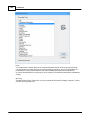
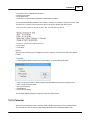
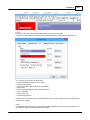
An InfoRecall File set consists of three Files (.dat, .idx, .tre). You only have to select the .dat File,
that's all you'll see. Backup takes care of the rest. Your set will always be complete.
Backup also backs up the Reminder file (remind.txt) if one exists.
Because backing up your data is important, InfoRecall will remind you every 30 days to consider
doing one.
© 1994-2016 Phantech Software Inc.