1
Configuring HART Analog I/O DTMs
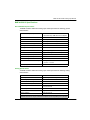
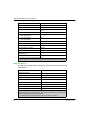
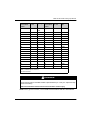
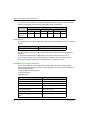
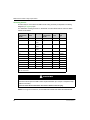
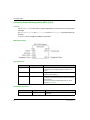
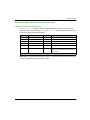
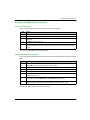
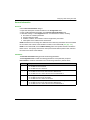
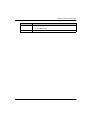
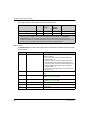
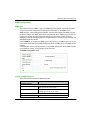
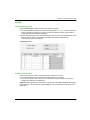
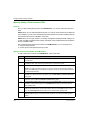
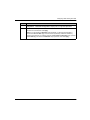
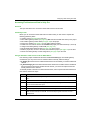
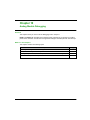
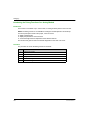
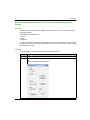
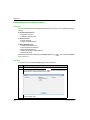
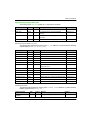
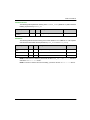
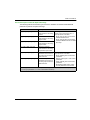
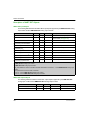
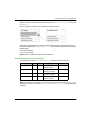
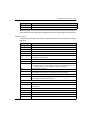
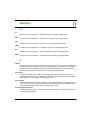
These output items can be included in the HART multiplexer scan:
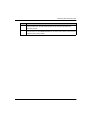
Output Data Item1
Data Type Mapped by
Default?
Is Default
Mapping
Editable?
Bytes
CH-ResetChanged
Byte
Yes
No
–
CH-Enable
Byte
No
Yes
–
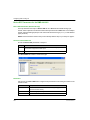
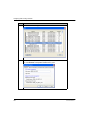
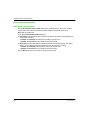
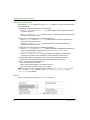
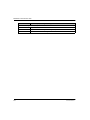
1. When an output data item in the Process Data dialog is:
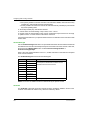
Selected: the item is added to the list of Device Derived Data Types (DDDT) in the Parameter
Configuration dialog, where program logic dynamically controls the item value during run-time.
De-selected: the item is removed from the DDDT list. Program logic does not control the item value during
run-time. The user can assign a static value to the item which is applied at start-up.
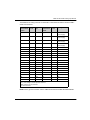
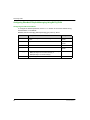
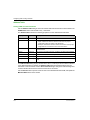
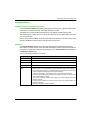
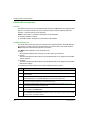
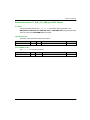
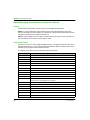
Module Status
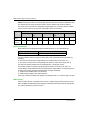
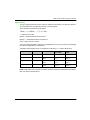
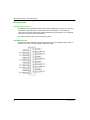
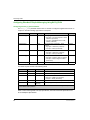
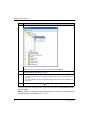
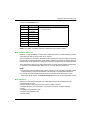
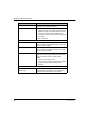
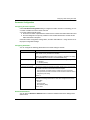
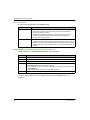
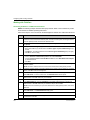
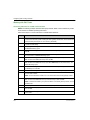
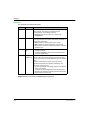
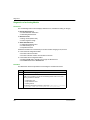
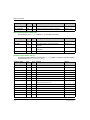
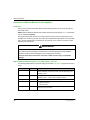
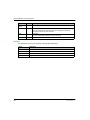
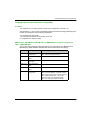
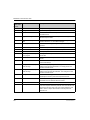
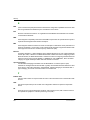
The Module Status word presents a snapshot of the overall health of the HART analog I/O module
and its channels.
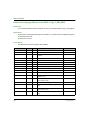
128
Bit Number
Name
Description
0
Global Status
= 1 if the HART multiplexer has detected one or more of the
following conditions:
one or more HART channels are disconnected (bit 1
(Disconnected) = 1)
a HART channel is connected to a field device that is
materially different from the device configured for that
channel; for example, a device of different device type or
made by a different manufacturer. (bit 3 (Instrument
Changed, Major) = 1)
an internal communication event—ICE—has occurred
(bit 4 (ICE) = 1)
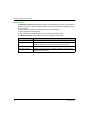
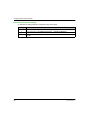
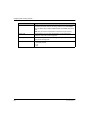
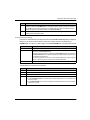
1
Disconnected
= 1 if any channel is in the disconnected (CH-Disconnected)
state
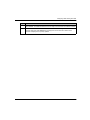
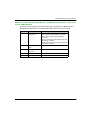
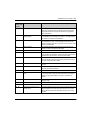
2
Instrument Changed, Minor
=1 if any channel is in the instrument changed, minor (CHMinorDiff (see page 129)) state
3
Instrument Changed, Major
=1 if any channel is in the instrument changed, major (CHMajorDiff (see page 129)) state
4...6
—
= 0 (not used)
7
ICE
= 1 on the occurrence of an internal communication event
8...15
—
= 0 (not used)
EAV16400 04/2014