1
10
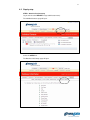
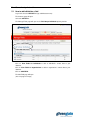
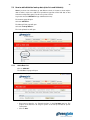
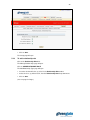
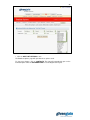
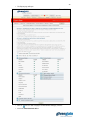
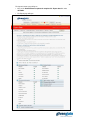
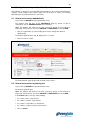
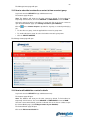
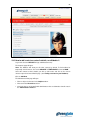
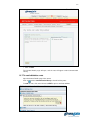
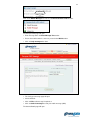
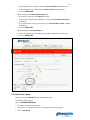
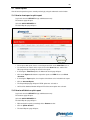
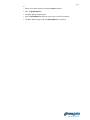
Click on Continue.
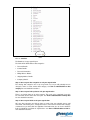
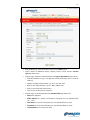
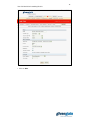
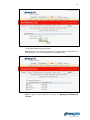
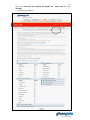
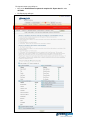
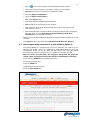
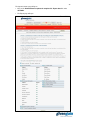
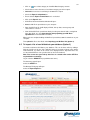
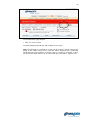
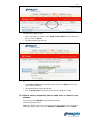
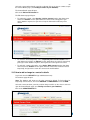
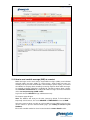
The Database Set up page will open.
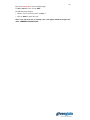
The fields will be divided into 6 data categories:
• Personal Details.
• Contact Details.
• Personal Information.
• Billing Address Details.
• Shipping Address Details.
• Company Details.
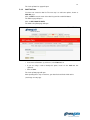
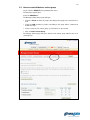
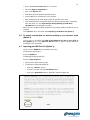
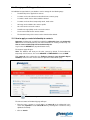
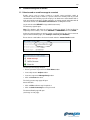
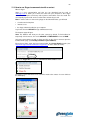
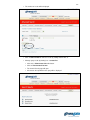
Step 2: Sort out your data categories to suit your organisation
The existing data categories are set up for general use, but you will probably want to
change its name or create another data category. See How to add/edit/delete a data
category for more detailed instructions.
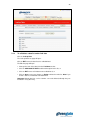
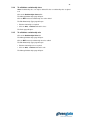
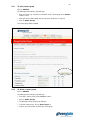
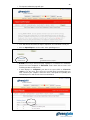
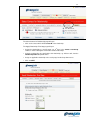
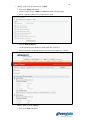
Step 3: Sort out your look-up data to suit your organisation
There is no look-up data set up at the moment. This needs to be completed if you wish
for some fields to have more than one option. See How to add/edit/delete look-up data
for more detailed instructions.
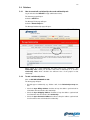
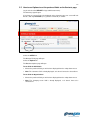
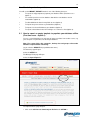
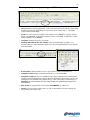
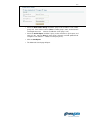
Step 4: Sort out your fields to suit your organisation
OK, your data categories and look-up data are ready. Now you probably want to add
more fields, edit existing ones, change their names, move them to another data category
or delete those you don’t think are applicable. Remember that you can choose between
fields for individuals and fields for organisations. See How to add/edit/delete a field for
more detailed instructions.