1
51
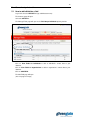
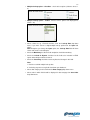
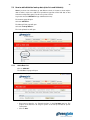
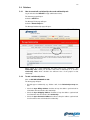
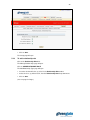
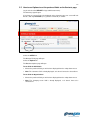
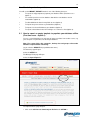
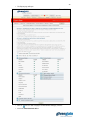
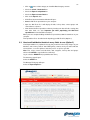
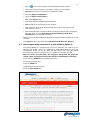
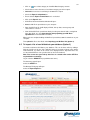
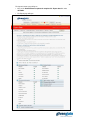
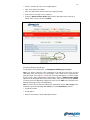
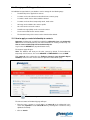
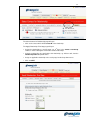
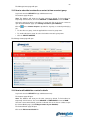
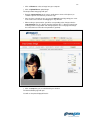
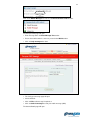
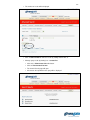
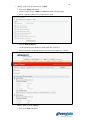
The Select Contact for Relationship page will open.
• Click on the contact which will be contact B of the relationship.
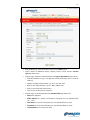
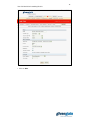
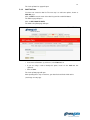
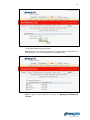
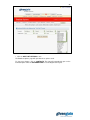
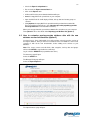
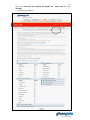
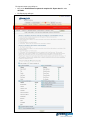
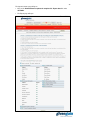
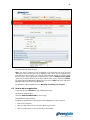
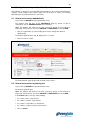
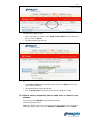
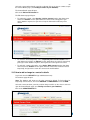
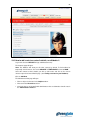
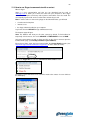
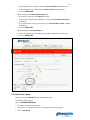
The Apply Relationship: Final Step page will open.
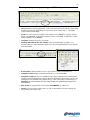
• Assign the relationship to a specific group, eg. “9th floor” in the Create a new Group
textbox, in order to distinguish it from other similar relationships.
• Select the relationship class applicable to this relationship, eg. “Kitchen staff”, from the
Relationship Class drop-down menu.
• Assign an applicable relationship role to each party from the drop-down menus.
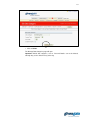
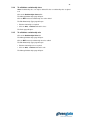
• Click on SAVE.