1
21
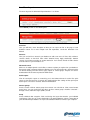
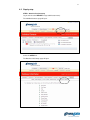
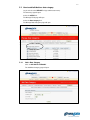
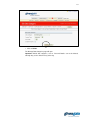
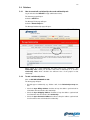
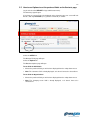
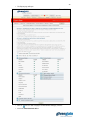
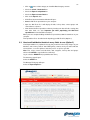
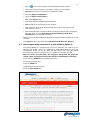
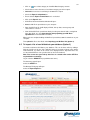
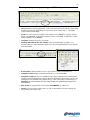
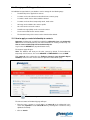
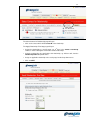
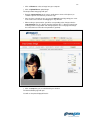
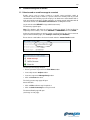
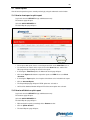
The Look-up Data Lists page will open.
5.3.2
Add Field Data
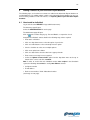
You have now created a data list. The next step is to add some options, known as
field data, to it.
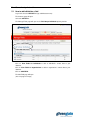
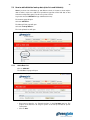
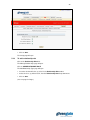
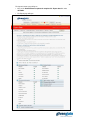
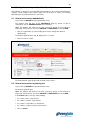
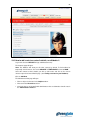
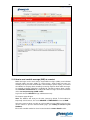
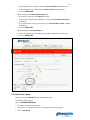
Click on EDIT next to the name of the data list you wish to add field data to.
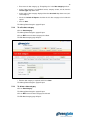
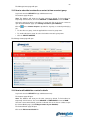
The Edit List page will open.
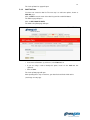
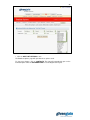
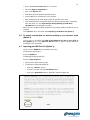
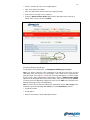
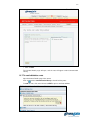
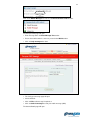
Click on ADD LOOK-UP DATA.
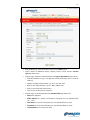
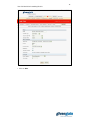
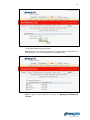
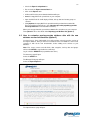
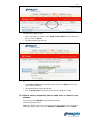
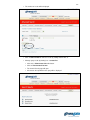
The Add Look-up Data page will open.
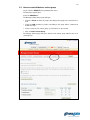
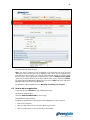
• Insert name of field data, eg. “Chinese”, in the Data text box.
• If you are using a code to identify this option, insert it in the Code text box
(optional).
• Click on Save.
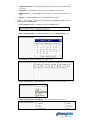
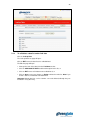
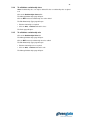
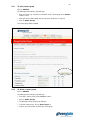
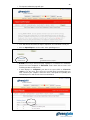
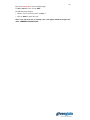
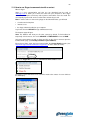
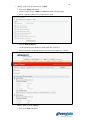
The Look-up Data page will open.
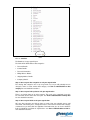
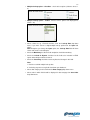
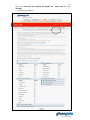
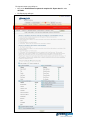
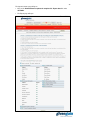
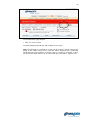
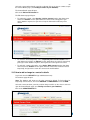
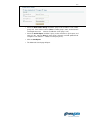
After repeating these steps a few times, your data list should look similar to this:
(See image on next page)