1
Plot Customization
CHAPTER 5
Plot Customization
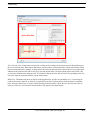
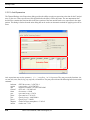
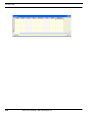
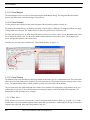
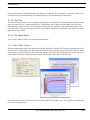
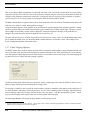
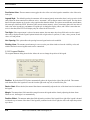
Once the content of the plot is defined via the plot manager tab, the plot can be further customized using the Customize
Plot dialog accessible either through the Customize icon (
) or via the right click Customize option. The customization dialog shown below allows the user to extensively modify the look of a plot. The top row of tabs provide access to
Chart customization, Series customization,Tools, and Themes. Each of these will be discussed in the sections below.
EZXY User’s Manual, C&R Technologies, Inc.
5-1